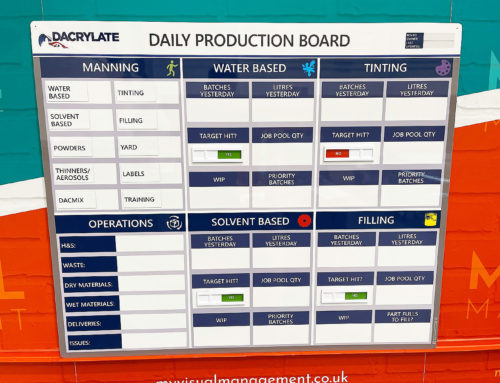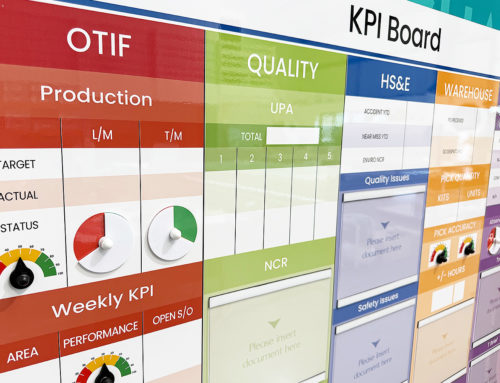


Visual management centres provide a dedicated, factual space for teams to meet, review performance, and collaborate. When used well, they support clear communication, better focus, and continuous improvement.
Below is a practical five-step guide to using visual management centres effectively, followed by further detail on each step.
How to Use Visual Management Centres in 5 Steps
-
Prepare and plan so information is current and attendees arrive ready
-
Use standing meetings to maintain focus and pace
-
Promote positive conduct and a growth mindset
-
Use visual facts to guide discussion and maintain focus
-
Define actions clearly and drive continuous improvement
1. Preparation Is Key
Effective use of a visual management centre starts before the meeting begins. The centre — sometimes referred to as a visual management hub or performance obeya — should be fully up to date.
When visual information is current, meetings can begin immediately and flow naturally. Punctuality also plays an important role. Arriving prepared and ready to engage avoids unnecessary delays.
Small delays quickly add up. For example, if 20 people arrive three minutes late, an entire hour of productive time is lost. Preparation protects this time and reinforces the value of the visual management centre.
2. Stand Up for Visual Management Centres
Visual management centres are designed for standing meetings. This physical setup supports attention, focus, and efficiency.
Standing meetings naturally encourage concise discussion. Expectations are clear: meetings should be purposeful, focused, and lean. Food, drink, and phone distractions undermine this purpose and are best avoided.
Shorter meetings also bring practical benefits. Attendees are more likely to stay for the full session, ensuring that important closing updates and actions are not missed.
3. Create a Positive Space for Positive Conduct
A visual management centre should feel like a positive and constructive space. The environment sets the tone for how people behave and interact.
Meetings should encourage collaboration, listening, and respectful challenge. Emphasising a growth mindset, mutual respect, and shared responsibility helps teams engage more openly.
When people feel comfortable contributing, discussions become more productive and improvement opportunities are more likely to surface.
4. Use Visual Facts to Maintain Focus
One of the greatest strengths of visual management centres is the presence of real-time facts and data.
Visual information provides a shared reference point that everyone can see. This ensures discussions are grounded in current information rather than assumptions or outdated reports.
The visual environment also helps contain discussions. When conversations drift beyond the purpose of the meeting, the surrounding visuals make it clear. Side discussions may be valuable, but they are better handled separately.
Fact-based discussion supports shared understanding. Opinions still matter, but visible data keeps focus aligned and decisions grounded.
5. Define Actions and Drive Continuous Improvement
Visual management centres play a critical role in turning discussion into action. Issues, concerns, daily management targets, and KPIs should be updated quickly and visibly.
Using visual status indicators makes progress easy to understand at a glance. Actions should be clearly defined, ownership assigned, and follow-up points agreed.
When actions remain visible between meetings, accountability improves and continuous improvement becomes easier to sustain.
Final Thoughts
Visual management centres are most effective when they are prepared, focused, and used consistently. Clear visuals, standing meetings, positive conduct, and fact-based discussion all contribute to better outcomes.
When actions are defined visually and reviewed regularly, the centre becomes more than a meeting space. It becomes a practical tool for collaboration, alignment, and continuous improvement.

A visual management centre is a dedicated place for performance and collaboration

Update your centre visually so colleagues can see if a process is on track, at a glance

Reflect your own processes and priorities

Be instantly clear and visual

Use your centre to give structure to succinct meetings

Continuously drive performance.

Define actions and assign responsibility
Further examples


Flight Deck Performance board

Production performance
Performance SQCP board

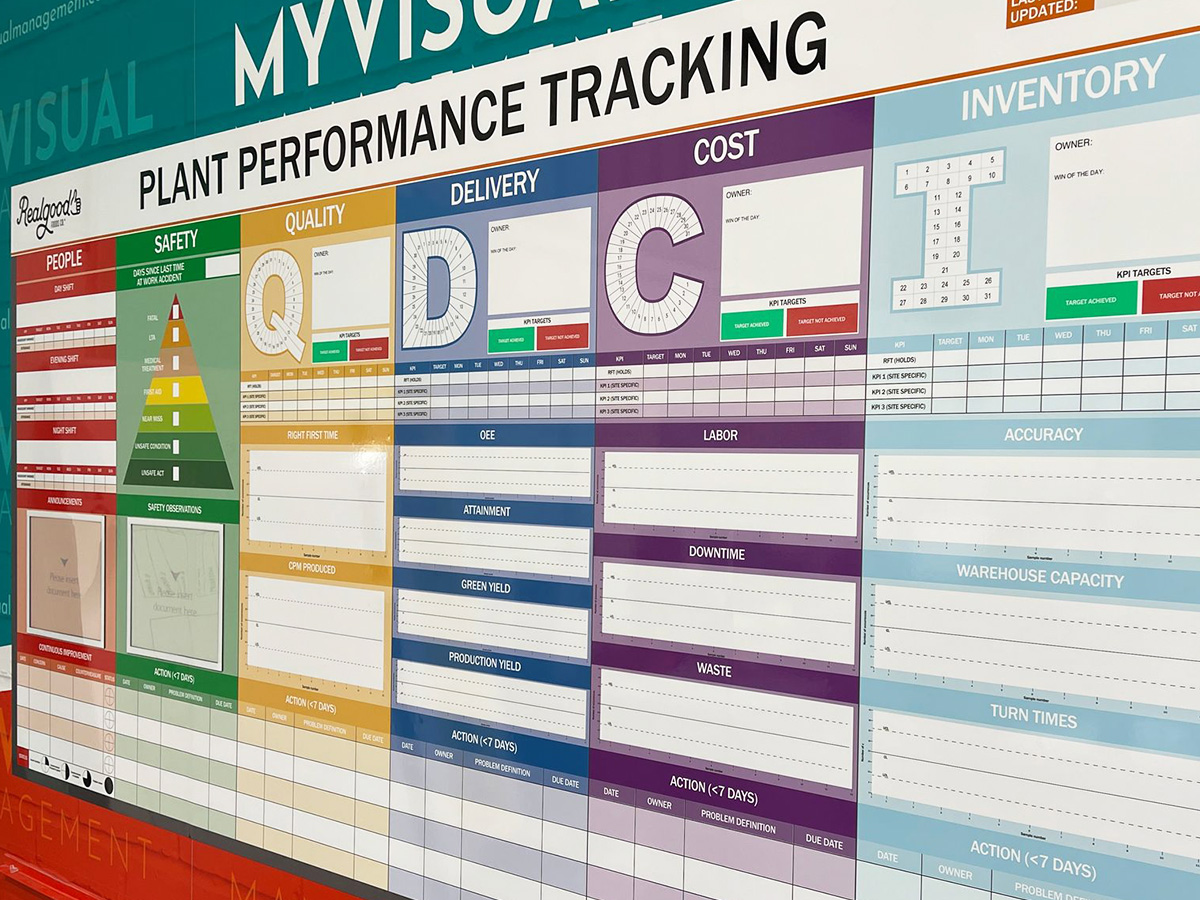
SQCD performance tracking

5S Performance board

Tracking manufacturing performance

Operational Performance Centre

SQCDPE Performance board

Performance obeya

Sales board for education

Colour coded Performance board

Make a performance obeya

SQCDP Performance Information

Purchasing Team board

Performance with 6S

SQCDP Performance

OPEX performance tracking
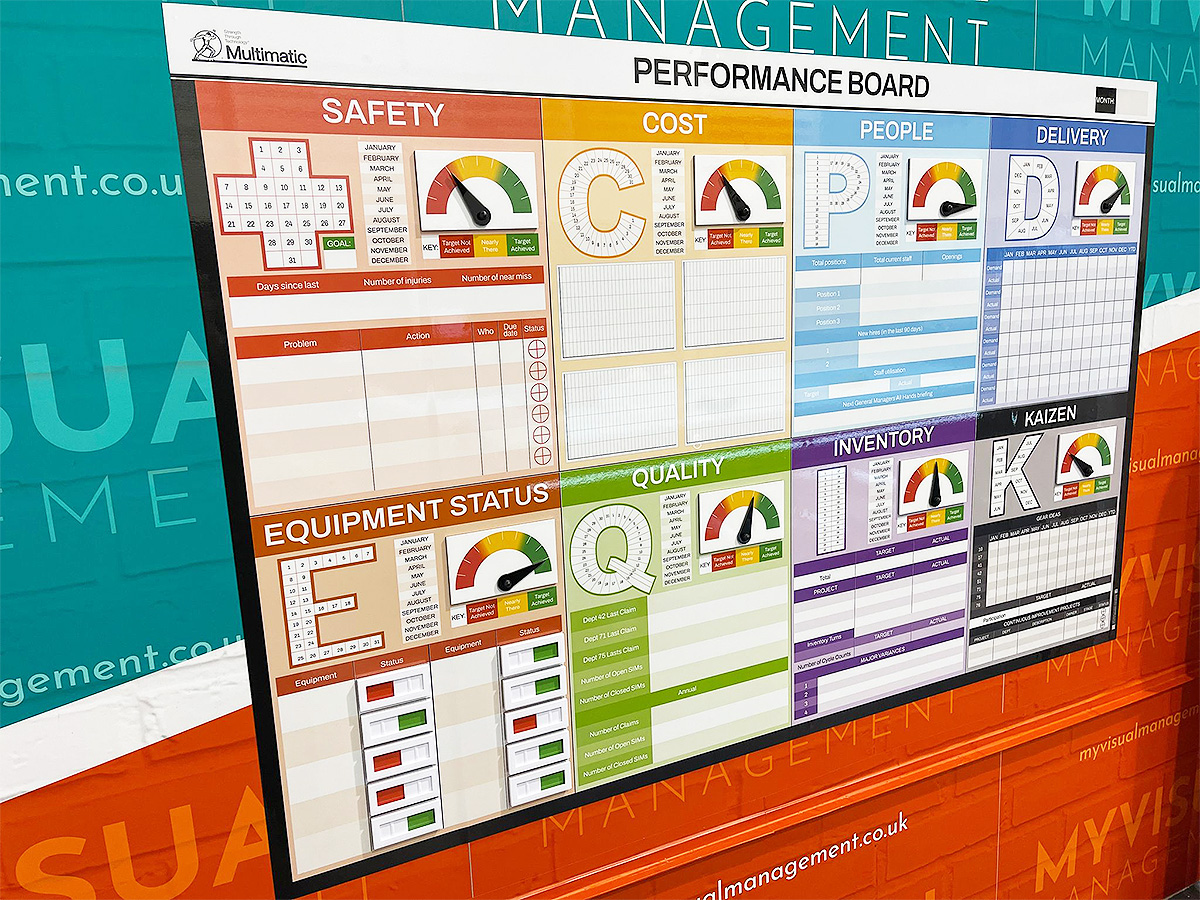
Performance metric tracking

HSEQ Performance

Performance metric tracking

SQCDI Performance board

SQCDP Performance board

Performance SQCP board

Track customer feedback performance

Monthly Performance Tracker board

Daily Meeting Performance board
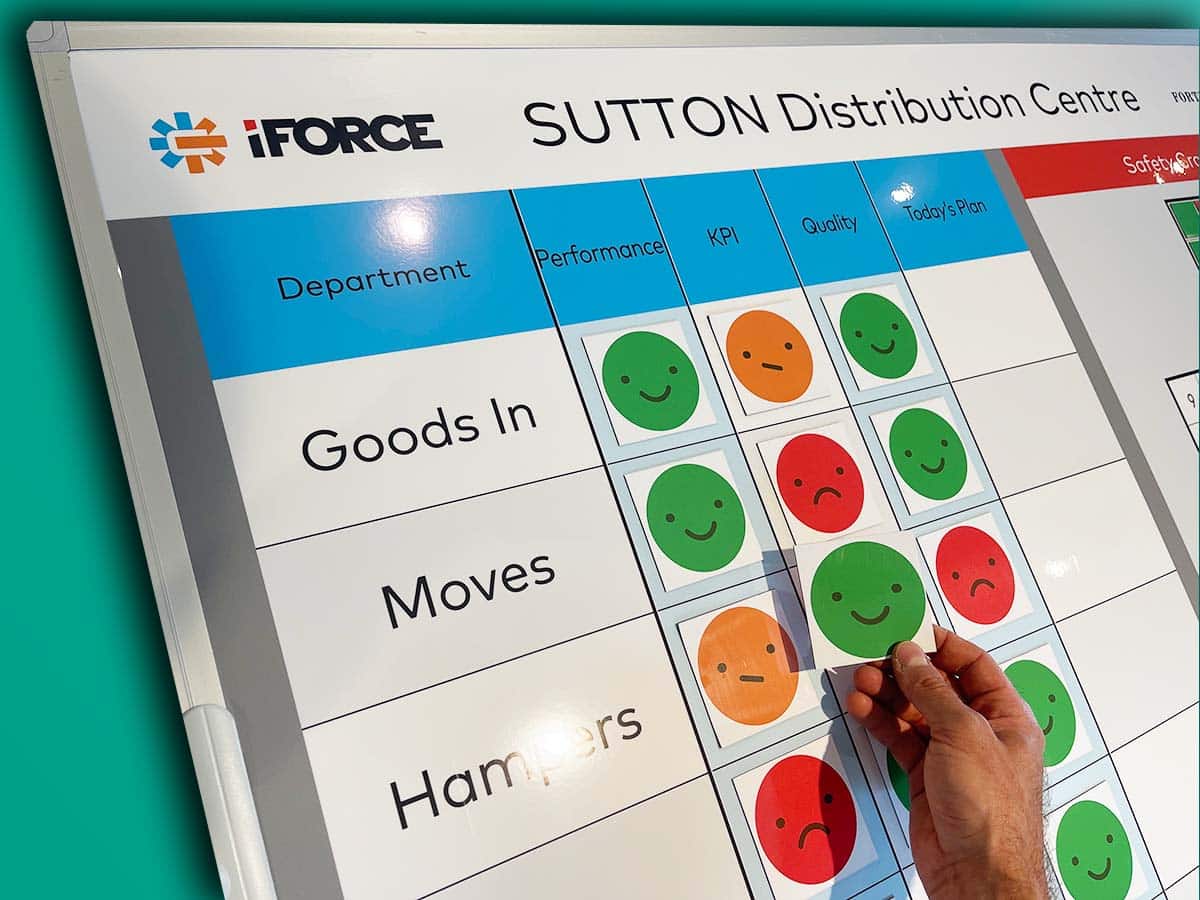
Happy Sad faces magnetic status labels

Combination sliders and labels

SQDIP board

SIC status board

Goals Road Map board

Weekly performance board

Status indicator meters and sliders

Instant and visual updates

Red and green status labels

Update with dry wipe status circles

Add magnetic status labels

SQDP Board with status indicator meters

Coloured status dials are highly visual


Dry wipe status sliders

Use coloured faces for visual updates

A magnetic overlay shows status

Use dry wipe and status meters together

Add status indicators to your overlay

Double sided magnetic status labels

Status dials for Operations Board

Magnetic status indicator

Show your 'Here & Now' status

Dry wipe status circles

Make your status sliders magnetic

Choose magnetic status pins
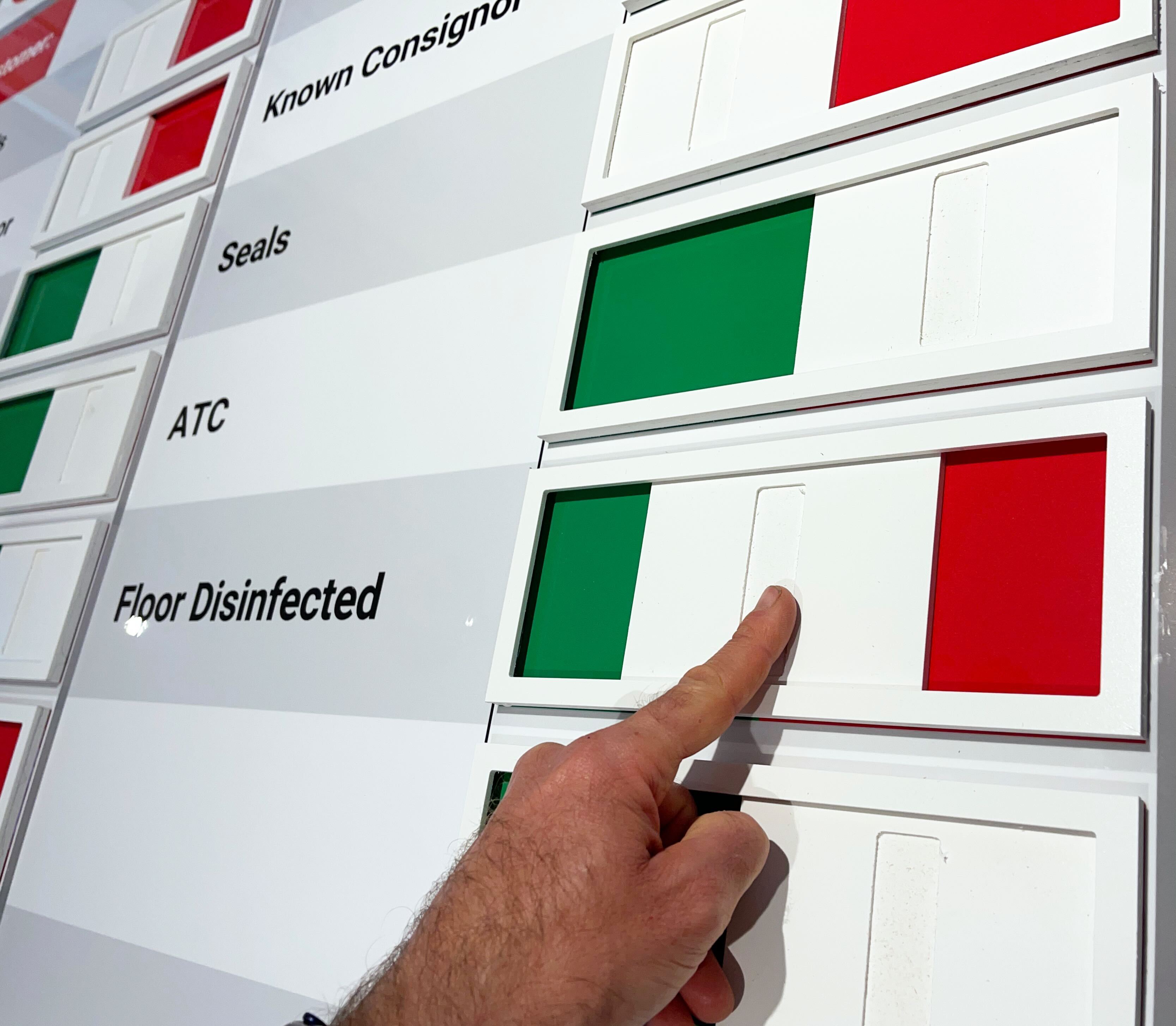
View targets visually

Status indicator meters and sliders

Modular status indicator dials

Use magnetic pins to show status

Double sided for quick and easy updates

Safety cross on SQDP board

Lockable status indicator dial

Status dials for Continuous Improvement

5S board

Practical Problem Solving board

Visual Management with status dials

Visual Performance Hub

Display percentage progress


Our Approach
We create visual management boards everyday. As a result we have plenty of experience. We work for organisations in food production, the power industry, national rail, pharmaceuticals, education, healthcare, packaging and distribution.
Our team works with a simple idea or sketch and creates a professionally designed layout. This is then turned into a highly functional visual management board.
We offer customised options because we want to create the perfect board for you. So, here are a few examples. We can add magnetic areas or a dry-wipe finish (for use with whiteboard pens). Furthermore, you can choose Red/Green sliders or R.A.G. (Red, Amber, Green) status dials so you can quickly and visually update your board. These are just a few examples of the ways in which our boards can be tailored to meet your needs. You may also be interested in whiteboard overlays that can be used on top of an existing magnetic board.