

Making Continuous Improvement Visual with Visual Management
Continuous improvement works best when people can see what is happening, understand expectations, and recognise progress as it happens. Visual management supports this by turning goals, processes, and improvement activity into information that is visible at the point of use.
Successful implementation starts with choosing how a continuous improvement visual management board reflects your own processes. Rather than applying a generic layout, the board should show how improvement actually happens in your workplace. This approach increases relevance and encourages engagement from the people using it every day.
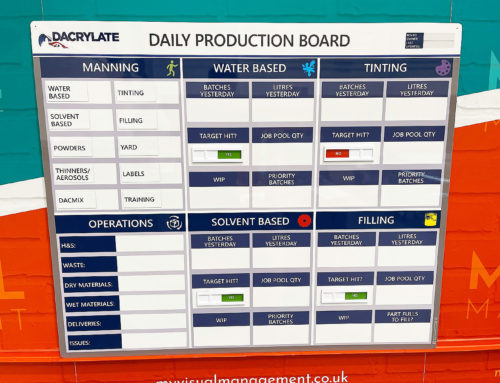
Progress visibility is critical. Many organisations structure improvement activity using recognised frameworks such as PDCA or DMAIC. Alongside this, progress can be tracked through dry-wipe updates, Kanban-style PFU tickets, or clear status indicators. Real-time visibility allows teams to understand current status quickly and respond effectively.
Making Continuous Improvement Visible and Accessible
Visual management brings the key principles of continuous improvement into everyday work. When improvement activity is visible at a glance, information becomes easier to understand and act upon. Clear displays also prevent goals and actions from being hidden in reports or systems.
Shared visibility supports shared understanding. Teams can access the same information at the same time, which improves collaboration and consistency. Over time, continuous improvement becomes part of normal working routines rather than a separate initiative.
Designed for Visibility, Engagement and Understanding
Effective continuous improvement boards are designed to be highly visual. Clear layouts help information stand out, while defined sections reduce confusion. As a result, teams can engage more easily with the content on the board.
Colour plays an important role in visual management. Using colour to define sections, status, or priorities allows information to be understood quickly. This visual structure supports focused discussions and faster decision-making during reviews.
Types of Continuous Improvement Visual Management Boards
Different improvement activities require different visual tools. Selecting the right type of board ensures that improvement activity is supported rather than constrained.
Plan Do Check Act (PDCA) Boards
PDCA boards provide clear, bite-sized visibility of the Plan Do Check Act cycle. Each stage is displayed visually, which supports structured improvement using incremental and achievable steps.
Teams are guided through planning, testing, checking results, and acting on learning. A PDCA board also creates a dedicated space where improvement activity happens routinely. This consistency encourages collaboration, reflection, and learning over time.
Kaizen Continuous Improvement Boards
Kaizen boards support organisation-wide involvement in continuous improvement. The Kaizen approach focuses on small, ongoing changes that collectively deliver significant improvements.
Using Kaizen within visual management helps eliminate waste, improve workflows, and strengthen problem-solving capability. Sustained improvement is supported because opportunities and actions remain visible to everyone.
Continuous Improvement Boards for KPIs
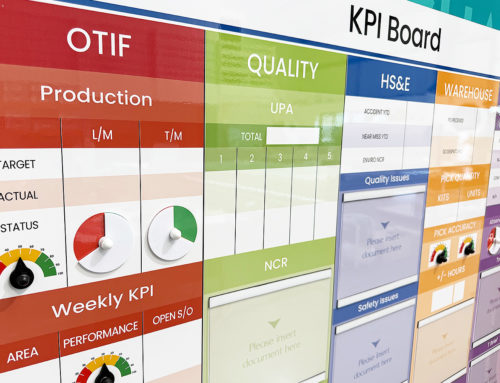
KPI boards track key performance indicators in a clear and visual way. Performance against targets can be understood immediately without additional explanation.
Real-time visibility supports informed decision-making. Teams can see how processes are performing right now and identify where improvement is required. This transparency reinforces accountability and focus.
Continuous Improvement Boards for Problem Solving
Problem Solving and PFU boards make issues visible and actionable. Problems are recorded openly rather than being hidden or forgotten.
A structured visual layout allows teams to log issues, identify root causes, define countermeasures, and assign responsibility. Ownership is clear, and follow-up becomes easier to manage. As a result, problem-solving activity is more consistent and effective.
Order, Efficiency and Sustained Improvement
Continuous improvement boards also support order and efficiency, particularly when combined with 5S and visual housekeeping systems.
Housekeeping tasks become visible and manageable. Instead of relying on irregular clear-ups, teams follow ongoing and achievable routines. This approach supports organised workplaces, improves efficiency, and helps maintain inspection readiness.
Final Thoughts
Making continuous improvement visual turns improvement from an abstract concept into a practical, everyday activity. Visible goals, actions, and progress help teams stay engaged and focused.
Visual management does not replace continuous improvement. Instead, it enables it by making improvement easier to understand, easier to manage, and easier to sustain.
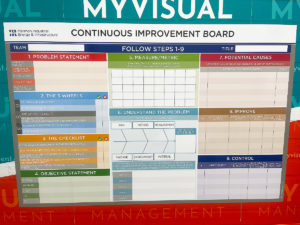
Incorporate problem solving as a key component
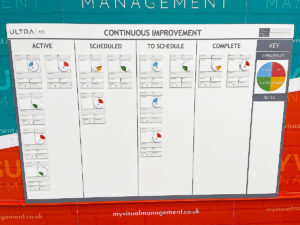
Reflect your own site and brand and CI goals

Define your step by step Continuous Improvement process

Explain Continuous Improvement terms and use colour and graphics to maximise engagement

Plan Do Check Act cycle

A Kanban board shows the progress of individual Continuous Improvement projects

Status indicators provide a visual snapshot of your progress

Magnetic PFU tickets move around the board easily, tracking your processes

Status meters make progress easy to update and visual to all
Further examples


CI with dry wipe status circles

Continuous Improvement steps

CI Kanban board with status tickets

Continuous Improvement strategy board

QMS Overview Board

Theatre Improvement Board

CI foreign langauage board

Continuous Improvement status

Concerns Board

Short Interval Control board

Complaints board

Short Interval Control

Continuous Improvement board

Short Interval Control

PDCA board

Use status circles for updates

Kaizen for KPI tracking

Line Continuous Improvement

Kanban Continuous Improvement

Dry wipe status circles

Plan Do Check Act status dial

Processes for Continuous Improvement

Kaizen for Continuous Improvement

Loss Elimination Board

Colour coding Continuous Improvement

Colour code your Plan Do Check Act

Show your targets

Plan Do Check Act Board
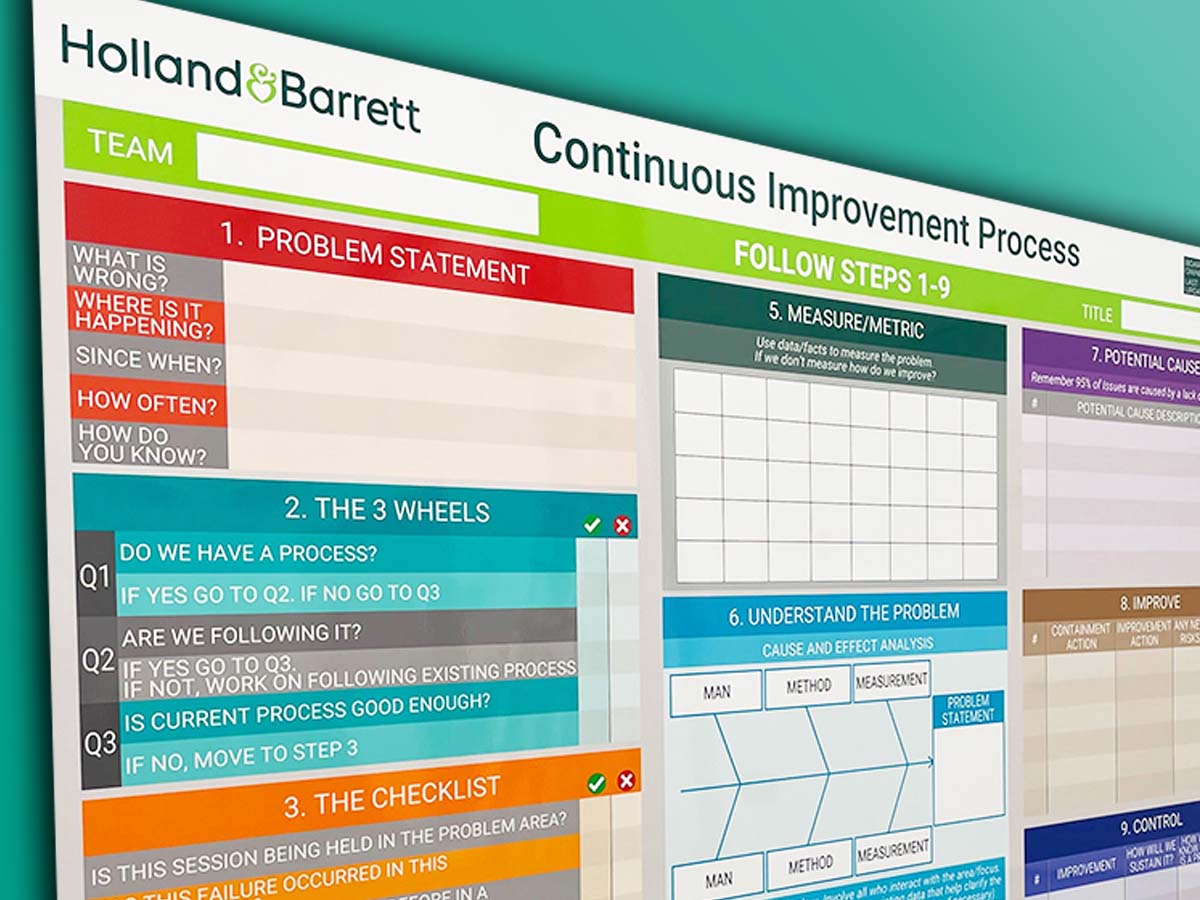
Continuous Improvement Process Board

Use colour for Continuous Improvement

Use colour in your 5S design

Kaizen room meeting schedule

Lean environment strategies

The PDCA cycle visually

Show Continuous Improvement visually

Plan Do Check Act status dial

Kaizen PFU boards

Errors Board

Short Interval Control Board

Kanban Continuous Improvement

PDCA cycle

Show your processes

Track daily progress
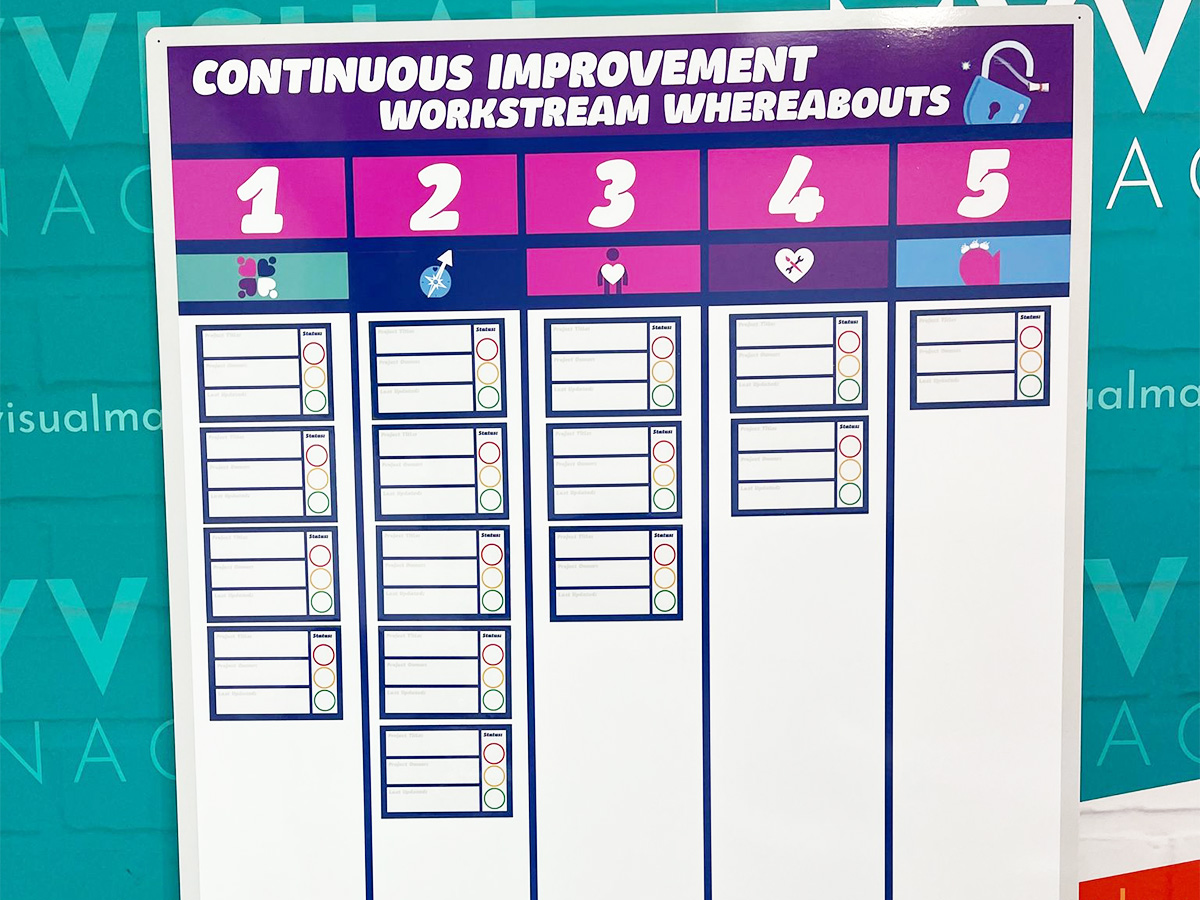
Workstream whereabouts CI

SIC status board

Track customer feedback performance

Add status dials to your 6S board

Update progress with status meters

Plan Do Check Act board
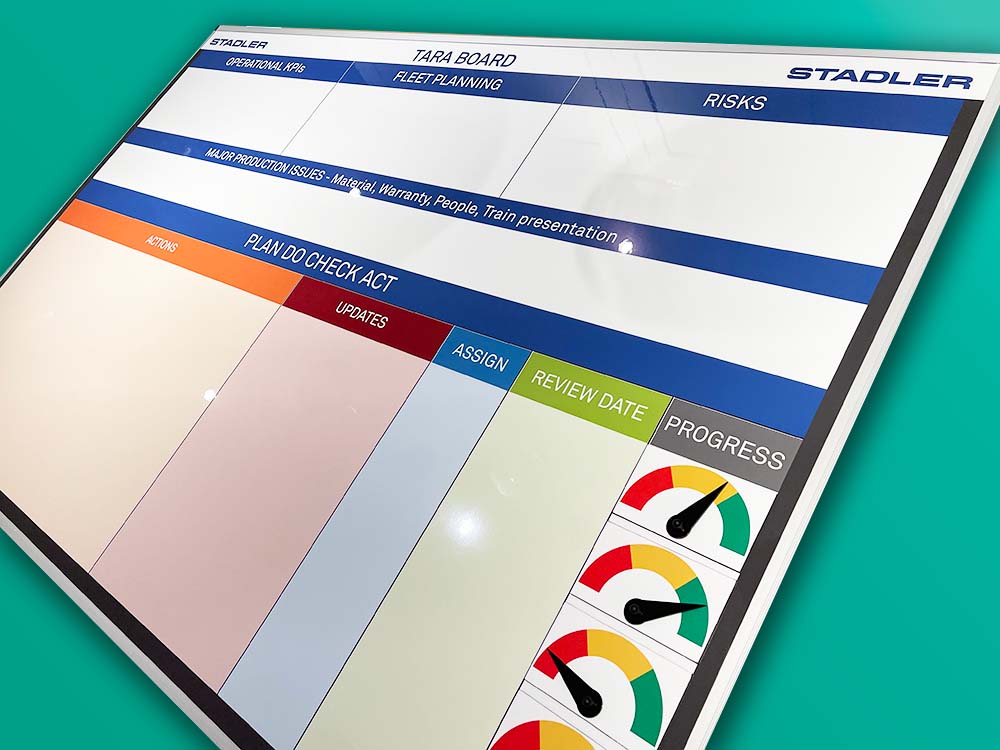
Use the Plan Do Check Act cycle

Food Production CI

KATA Improvement

Plan Do Check Act

Track targets as a department
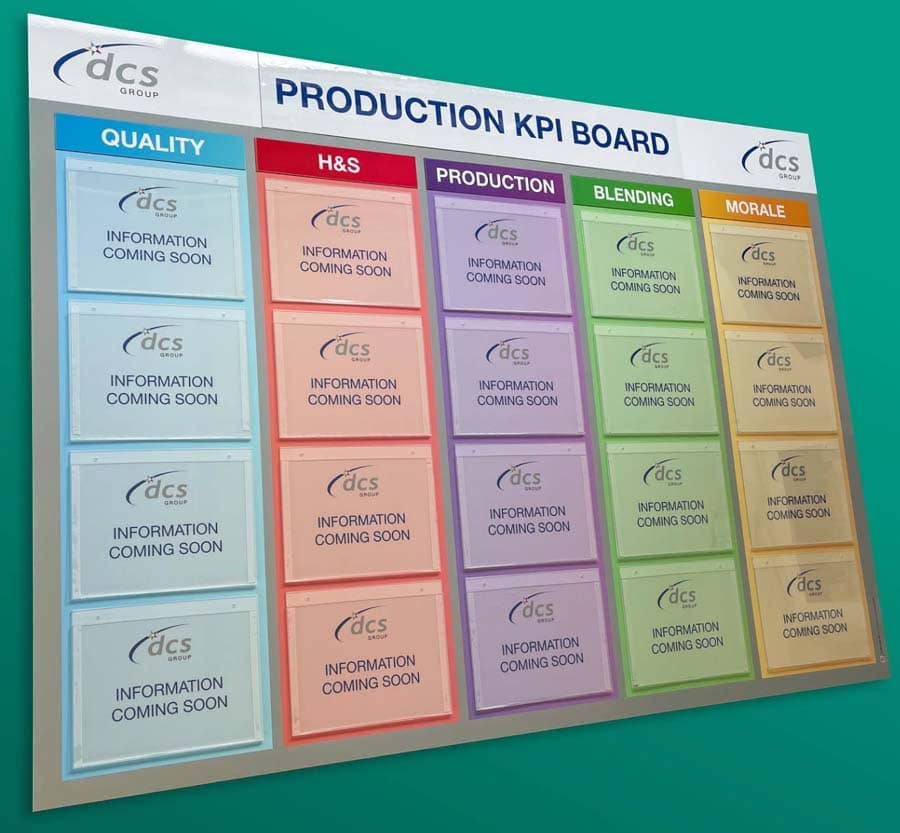
KPI board with document holders

Practical Problem Solving board

Visual Management with status dials

Status dials with percentages

Use dry wipe status indicators
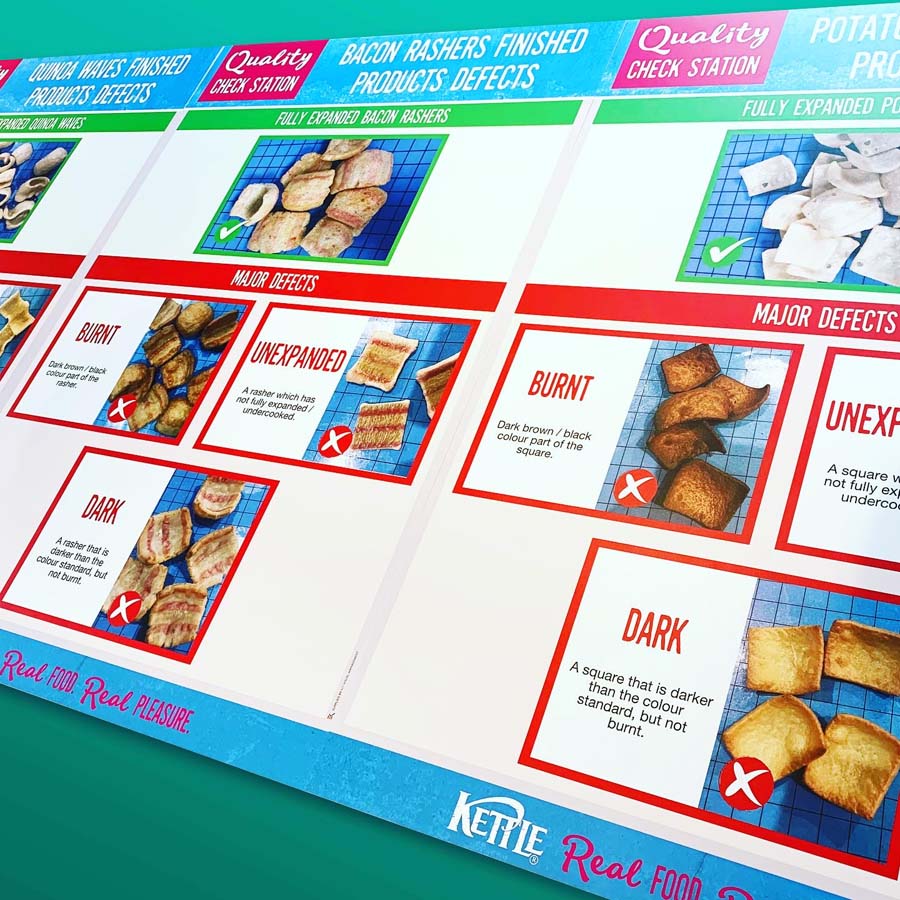
Quality Station Continuous Improvement


Our Approach
We create visual management boards everyday. As a result we have plenty of experience. We work for organisations in food production, the power industry, national rail, pharmaceuticals, education, healthcare, packaging and distribution.
Our team works with a simple idea or sketch and creates a professionally designed layout. This is then turned into a highly functional visual management board.
We offer customised options because we want to create the perfect board for you. So, here are a few examples. We can add magnetic areas or a dry-wipe finish (for use with whiteboard pens). Furthermore, you can choose Red/Green sliders or R.A.G. (Red, Amber, Green) status dials so you can quickly and visually update your board. These are just a few examples of the ways in which our boards can be tailored to meet your needs. You may also be interested in whiteboard overlays that can be used on top of an existing magnetic board.