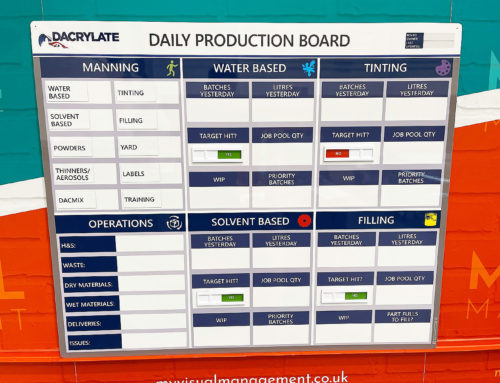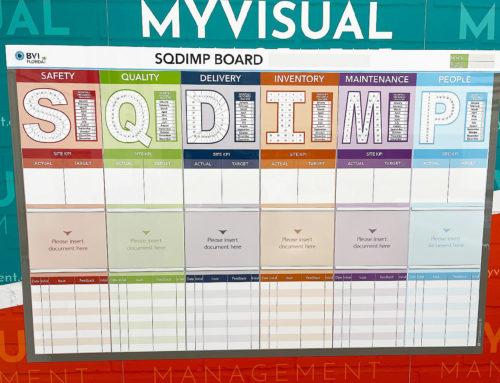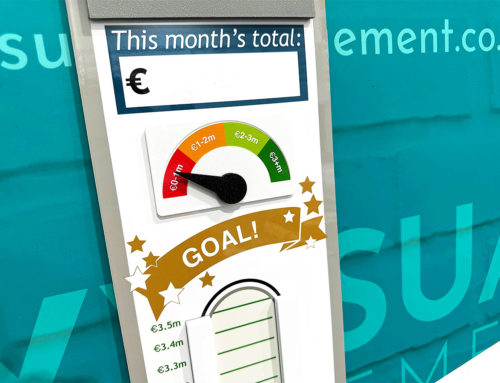


No two teams work in exactly the same way. Therefore, priorities, workflows, measures and responsibilities vary from organisation to organisation — and even between departments. As a result, many visual management boards are designed specifically around how work is carried out in practice.
Above all, a custom board allows teams to structure information in a way that reflects their processes, routines and goals, rather than trying to adapt to a generic format. In turn, this supports communication, coordination and day-to-day management in a way that feels natural to the people using it.
Why custom visual management boards matter
Off-the-shelf layouts can be useful starting points. However, they rarely capture the detail of real operations. In other words, teams often need to reflect specific measures, responsibilities, workflows and challenges.
Because of this, custom boards help organisations:
-
structure information around their own processes
-
make priorities and responsibilities clearer
-
support existing routines rather than introducing new ones
-
create layouts that teams understand quickly
-
adapt over time as work evolves
Ultimately, when the board reflects real working practices, it is far more likely to remain relevant and consistently used.
Designed around how your team works
The most effective visual boards are built around the realities of daily work. Instead of starting with a template, the design process focuses on understanding how teams manage priorities, track performance and communicate information.
In practice, this approach ensures the board supports:
-
existing management routines
-
operational priorities
-
team communication
-
improvement activity
As a result, the board becomes part of how work is managed rather than simply a display.
How the design process works
Designing a custom visual management board is usually more straightforward than expected. Typically, it starts with understanding what teams need to see and use every day.
1. Understanding the purpose
First, the focus is on identifying what the board needs to support. This might include performance visibility, daily management, safety communication, planning or improvement activity.
2. Mapping the information
Next, key information is identified:
-
measures and targets
-
actions and follow-up
-
responsibilities
-
issues or priorities
This helps define what should be visible and how it will be used.
3. Structuring the layout
From there, the layout is shaped around how teams review information in practice. Sections are organised so that information is easy to understand and quick to update.
4. Refining through discussion
Finally, designs are refined collaboratively, ensuring the board reflects real workflows and makes sense to the people who will use it.
Start my board
Tell us about your process, challenge or idea — we’ll help shape the right visual management board around it.
Starting points are flexible
Many organisations begin the design process without a fully formed specification. Often, the starting point is simply a challenge or an idea.
For example, a board can be developed from:
-
an existing layout that needs improving
-
a process that lacks visibility
-
a new initiative or routine
-
a rough sketch
-
a problem teams are trying to solve
In other words, you don’t need a finished brief — just a starting point.
What can be included on a custom visual management board
Every organisation manages information differently. Because of this, custom boards vary in layout and content. The design is shaped around what teams need to see, review and update as part of their daily routines.
A custom board might include:
Performance and KPI visibility
For many teams, clear performance visibility is a starting point.
Daily management and planning
Similarly, boards can support priorities, schedules and coordination.
Continuous Improvement activity
Over time, improvement work can be made visible and easier to follow up.
Safety communication
In addition, boards often support safety routines and reminders.
Status and workflow tracking
Where coordination matters, workflow visibility becomes essential.
Documentation and reference points
Finally, structured areas can support guidance and access to key information.
Adaptable across different environments
Custom visual boards are used across a wide range of sectors. Although the environments differ, the principle remains the same: making information visible so teams can stay aligned.
For example:
-
manufacturing teams tracking production flow
-
logistics teams coordinating workloads
-
food production teams supporting hygiene and quality routines
-
construction teams managing site activity
-
healthcare teams coordinating actions
-
office teams tracking projects and priorities
Designed to evolve
Importantly, many boards continue to develop after introduction. As priorities change, teams often refine layouts, add sections or adjust routines.
As a result, the board remains relevant rather than becoming static over time.
Examples of custom visual management boards in practice
Custom boards are often shaped around very specific operational needs. Typically, they begin with a practical challenge: improving visibility, strengthening communication or supporting daily routines.
Start my board
Tell us about your process, challenge or idea — we’ll help shape the right visual management board around it.
You don’t need a finished design to begin
Many organisations start without a detailed specification. In most cases, the starting point is simply a challenge — something unclear or difficult to coordinate.
From there, the design evolves through discussion and collaboration.
A practical next step
If you’re considering a visual management board, the first step is usually a conversation about your process and routines.
From that point, the right structure can be shaped around your team and how work is managed in practice.
Start my board
Tell us about your process, challenge or idea — we’ll help shape the right visual management board around it.
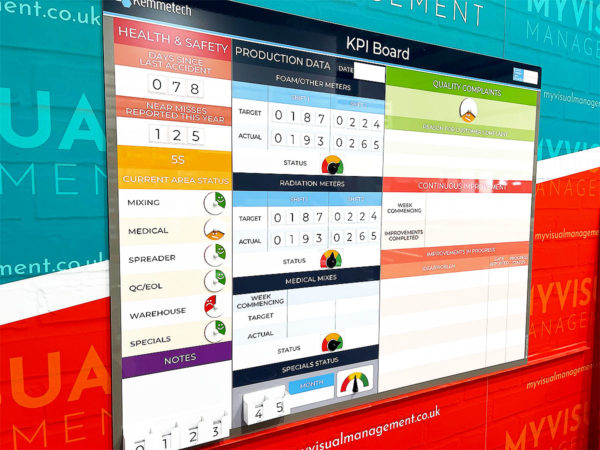
Above all, show your own key priorities
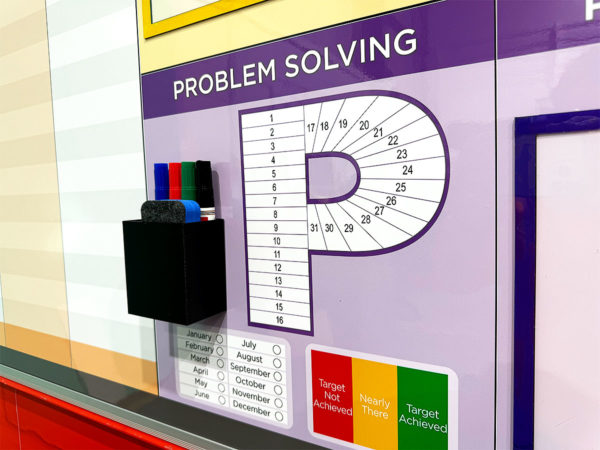
Gain from visual problem solving and continuous improvement
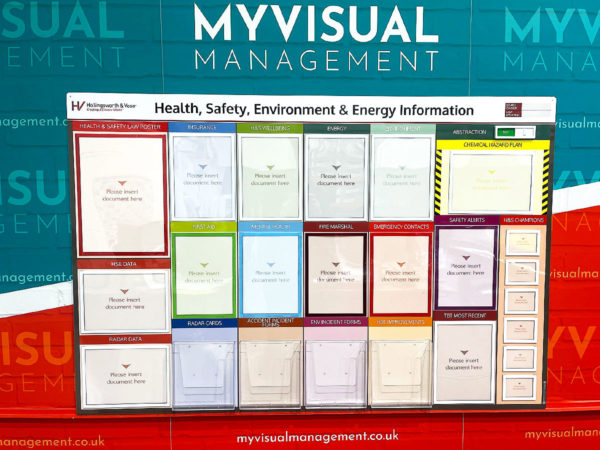
Deliver visual clarity, likewise, visibility for Health and Safety
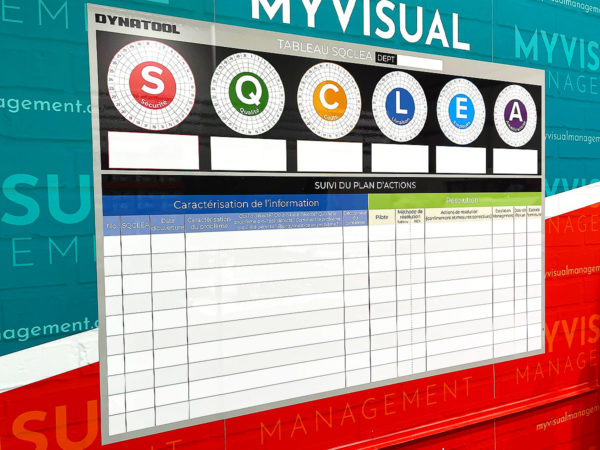
Benefit from clear, striking and simple visual management
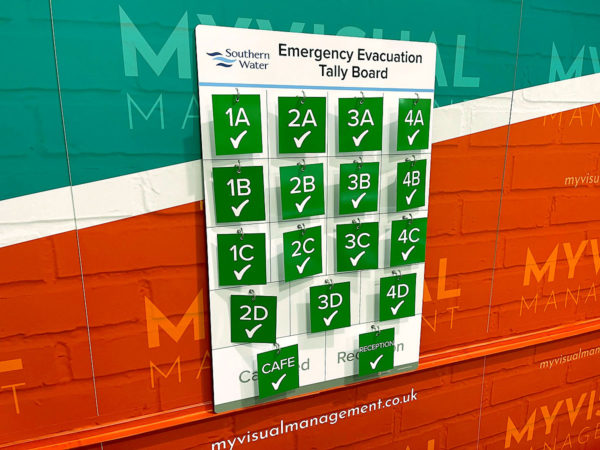
Emergency processes that visual and functional
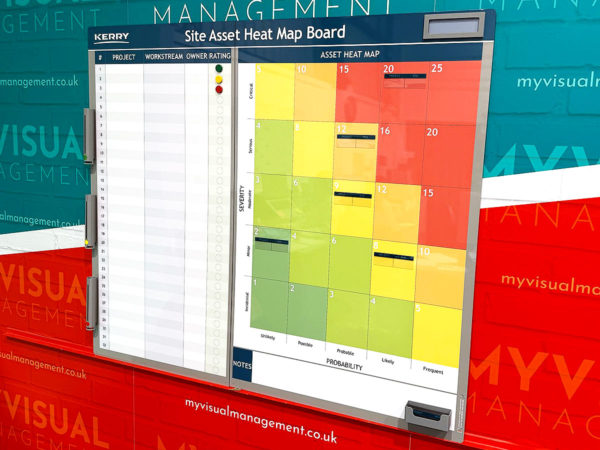
Intuitive and vital visual management
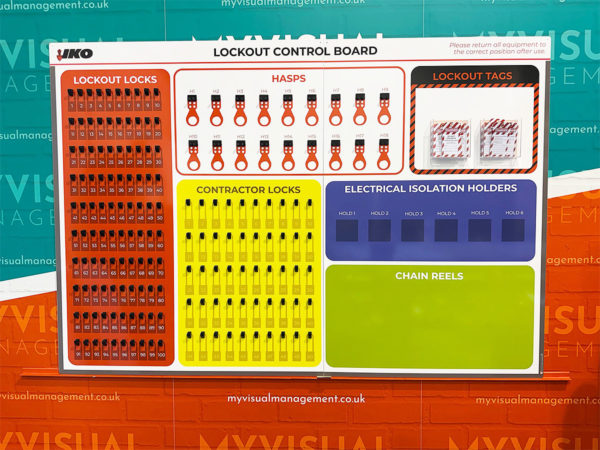
Ensure critical processes are visually accessible and easy to use
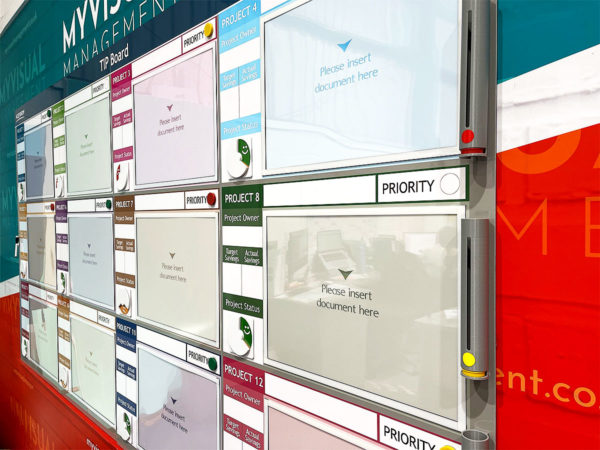
Aiding project management
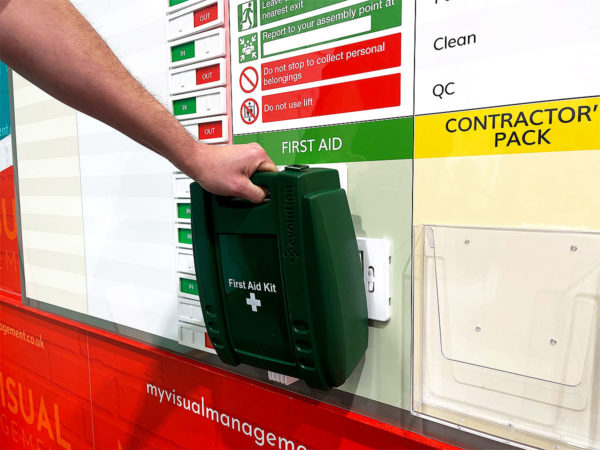
Importantly, making kits and equipment visually accessible
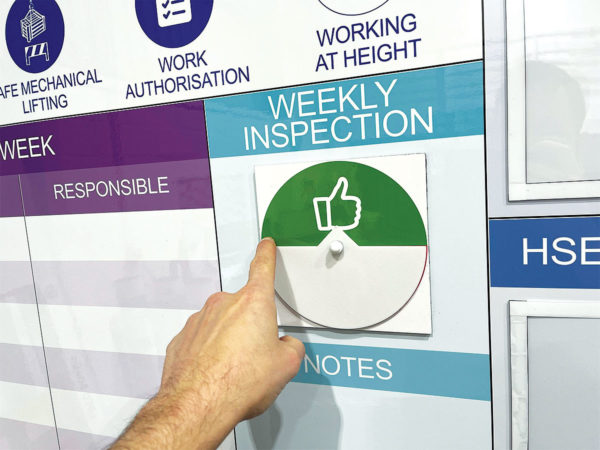
Above all, supporting YOUR processes
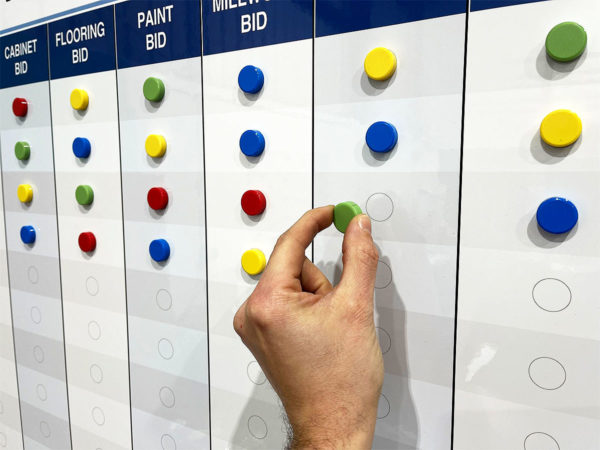
So simple and easy to use
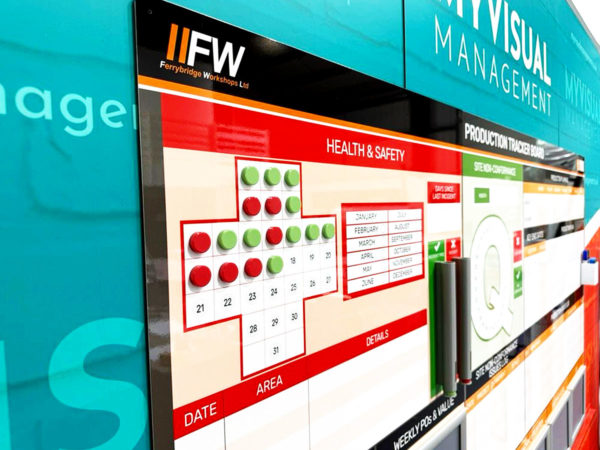
Visually neat and therefore pleasing
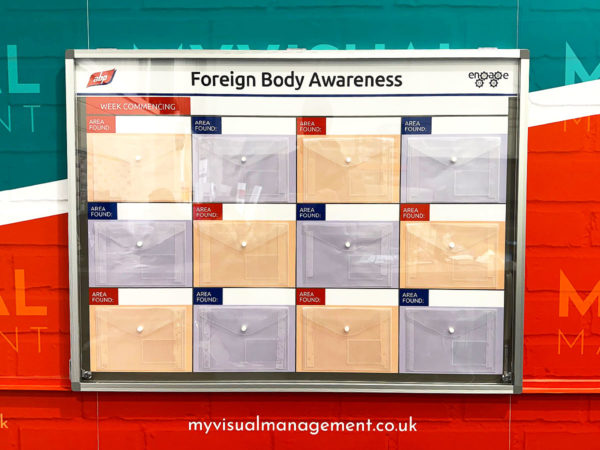
Most importantly, visibly driving the awareness you need on site
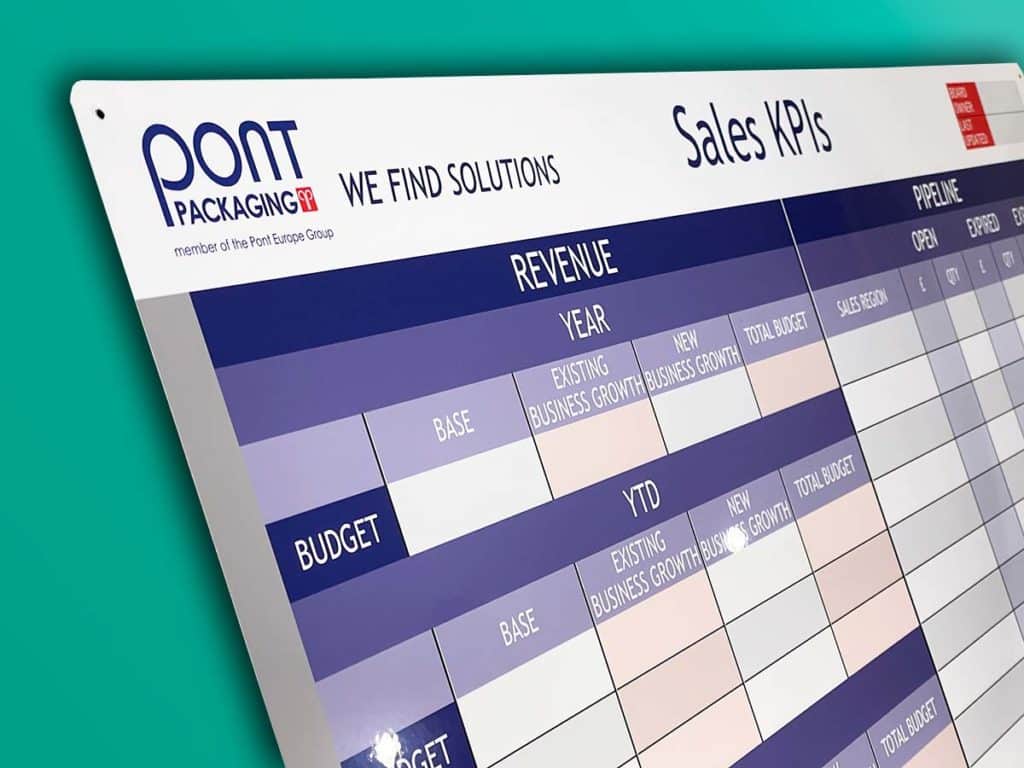
Supporting the sales process
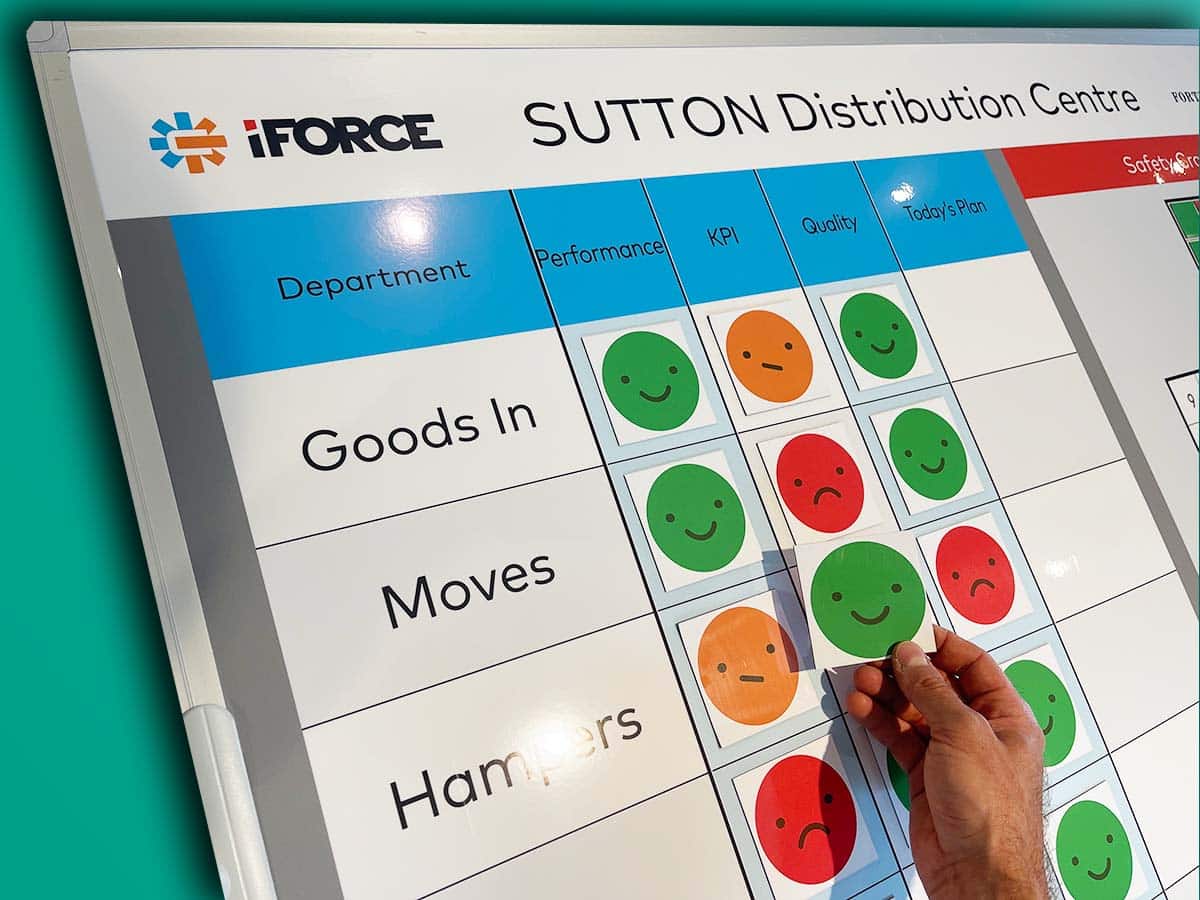
An Operation Board reflecting this depot’s processes
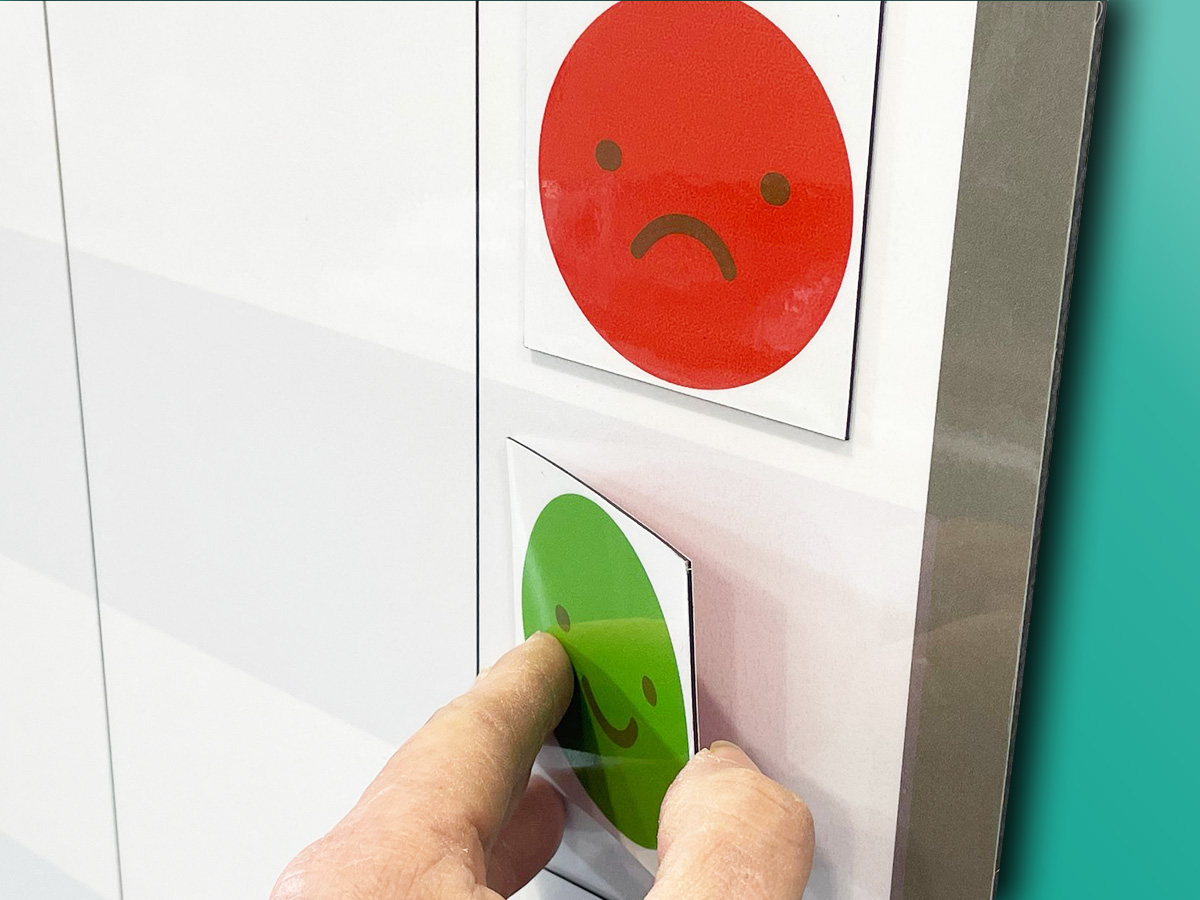
Add functions with labels and other accessories
Our Approach
We create visual management boards everyday. As a result we have plenty of experience. We work for organisations in food production, the power industry, national rail, pharmaceuticals, education, healthcare, packaging and distribution.
Our team works with a simple idea or sketch and creates a professionally designed layout. This is then turned into a highly functional visual management board.
We offer customised options because we want to create the perfect board for you. So, here are a few examples. We can add magnetic areas or a dry-wipe finish (for use with whiteboard pens). Furthermore, you can choose Red/Green sliders or R.A.G. (Red, Amber, Green) status dials so you can quickly and visually update your board. These are just a few examples of the ways in which our boards can be tailored to meet your needs. You may also be interested in whiteboard overlays that can be used on top of an existing magnetic board.