


Make your own multi-area 5S Board. See this excellent example which tracks 5S metrics for 4 different areas. Above all, choose what to show on your own board.
Put in place your own multi-area 5S Board, like the one shown here. So, manage your 5S objectives visually. Firstly, make your targets visible. Secondly, reflect your processes. In addition, make daily updates. Finally, sustain best habits.
Multi-area 5S Board for best practice
This multi-area 5S Board displays maintains best standards across 4 different working areas. In other words, the visual working area standards show what good looks like for a given working area. That is to say, what to aim for each day to sustain best habits.
Consequently, the 4 area 5S metric section for tracking weekly metrics to provide an instant visual snapshot.
Multi-area 5S Board accessories for ultimate functionality
Consequently, choose to add sets of dry wipe pens, with a different colour pen for each area you are tracking. These come with an eraser and holder to keep accessories safe and close to task.
Add document holders to your multi-area 5S Board
Also, this 5S noticeboard board displays Visual Standards for key areas displayed in self locating document holders. Above all, these are quick and easy to update anytime.
Our range of document holders come in a variety of sizes and can be single sheet or multi sheet, as in this example.
Further ideas
Firstly, view our 5S gallery Secondly, you may value seeing our 6S examples included within this gallery too.
For further information, see our 5S visual management boards and 6S visual management boards.
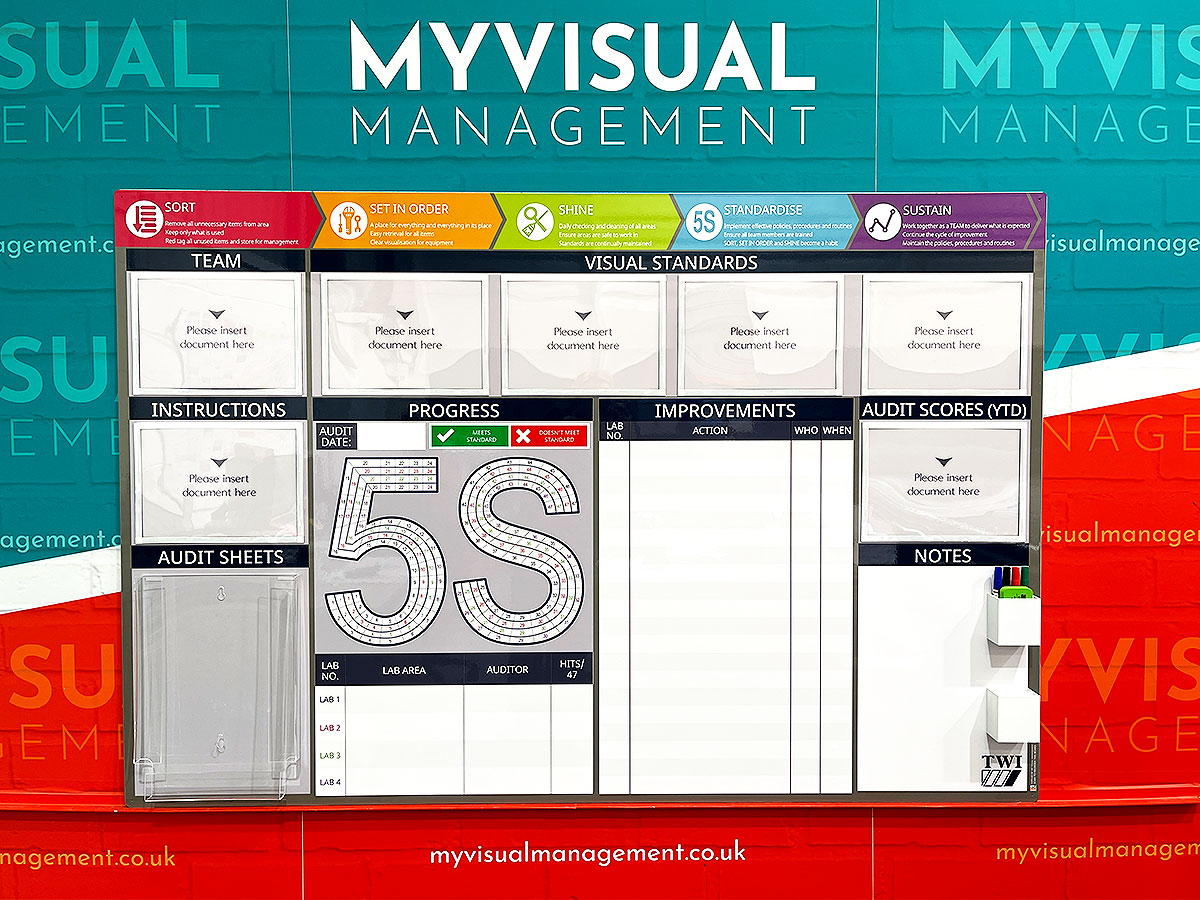
Multi-area 5S Board for sustaining best habits
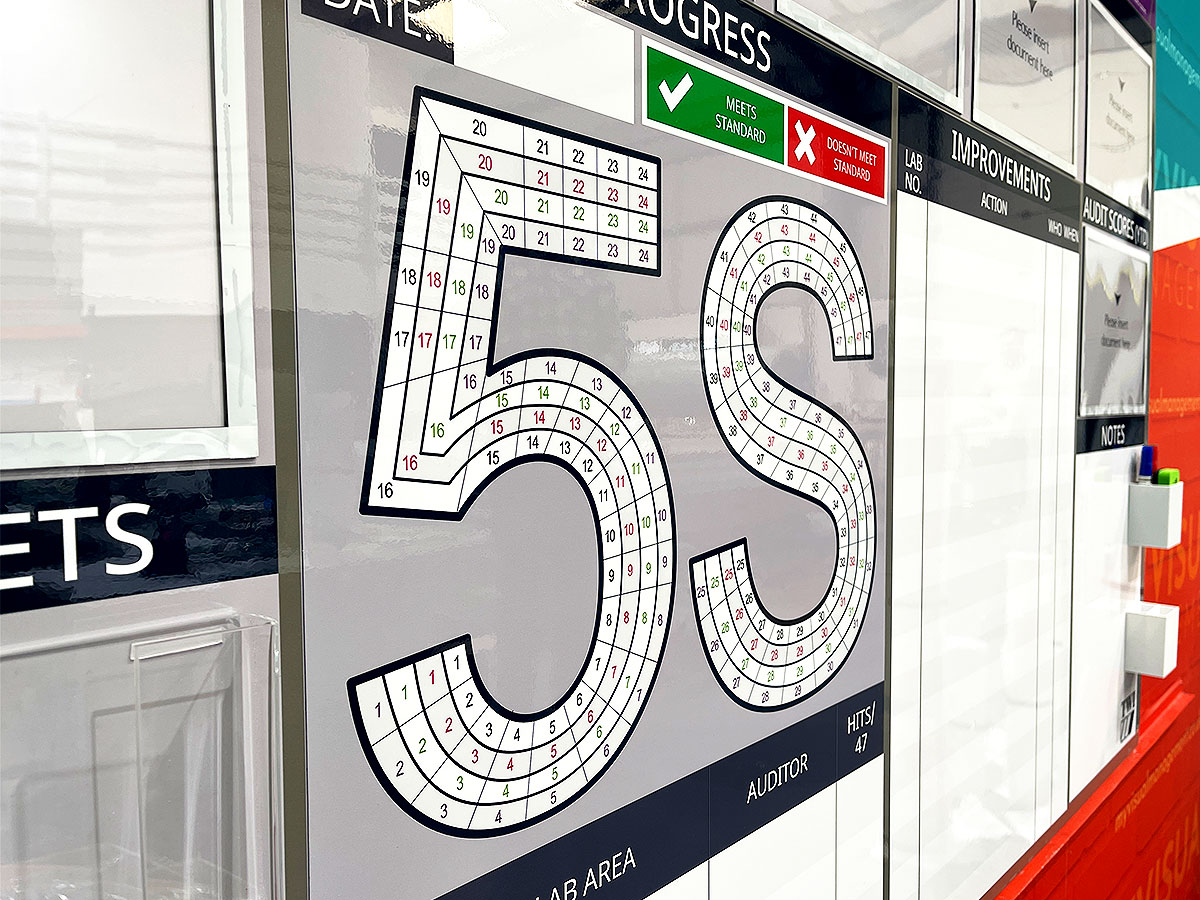
Track daily or weekly progress for 4 different areas
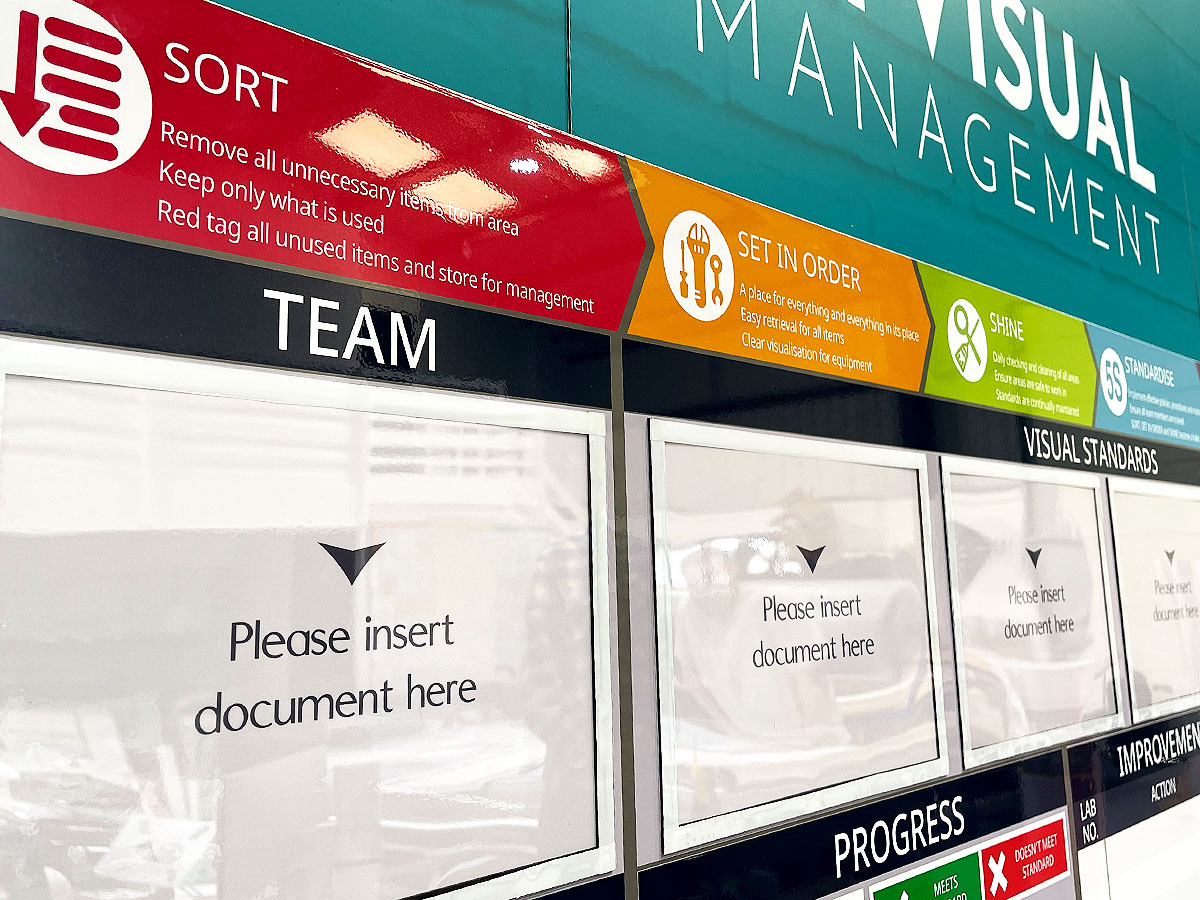
Show and update visual standards easily with document holders
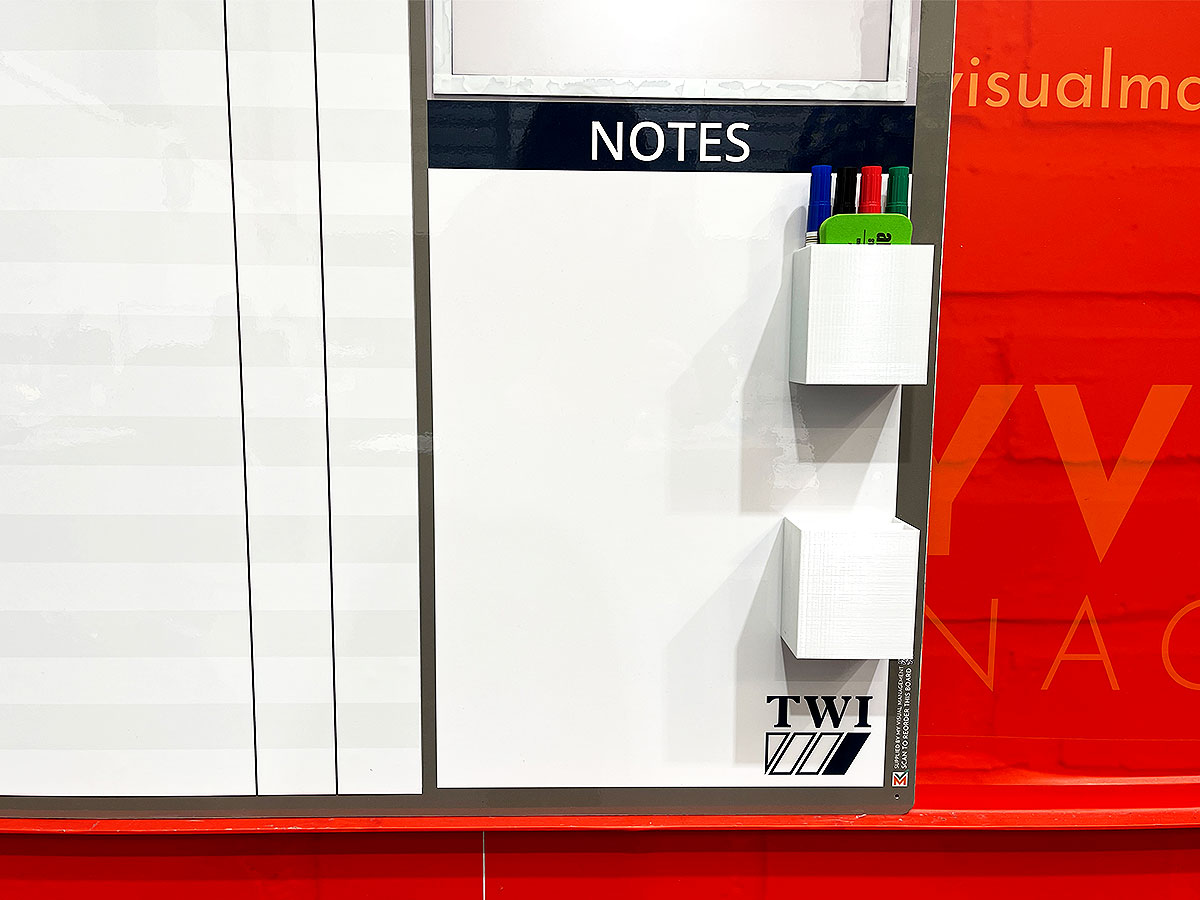
Choose from our range of board accessories to suit your needs
Examples of our 5S and 6S Boards

5S board with 4-shift tracker
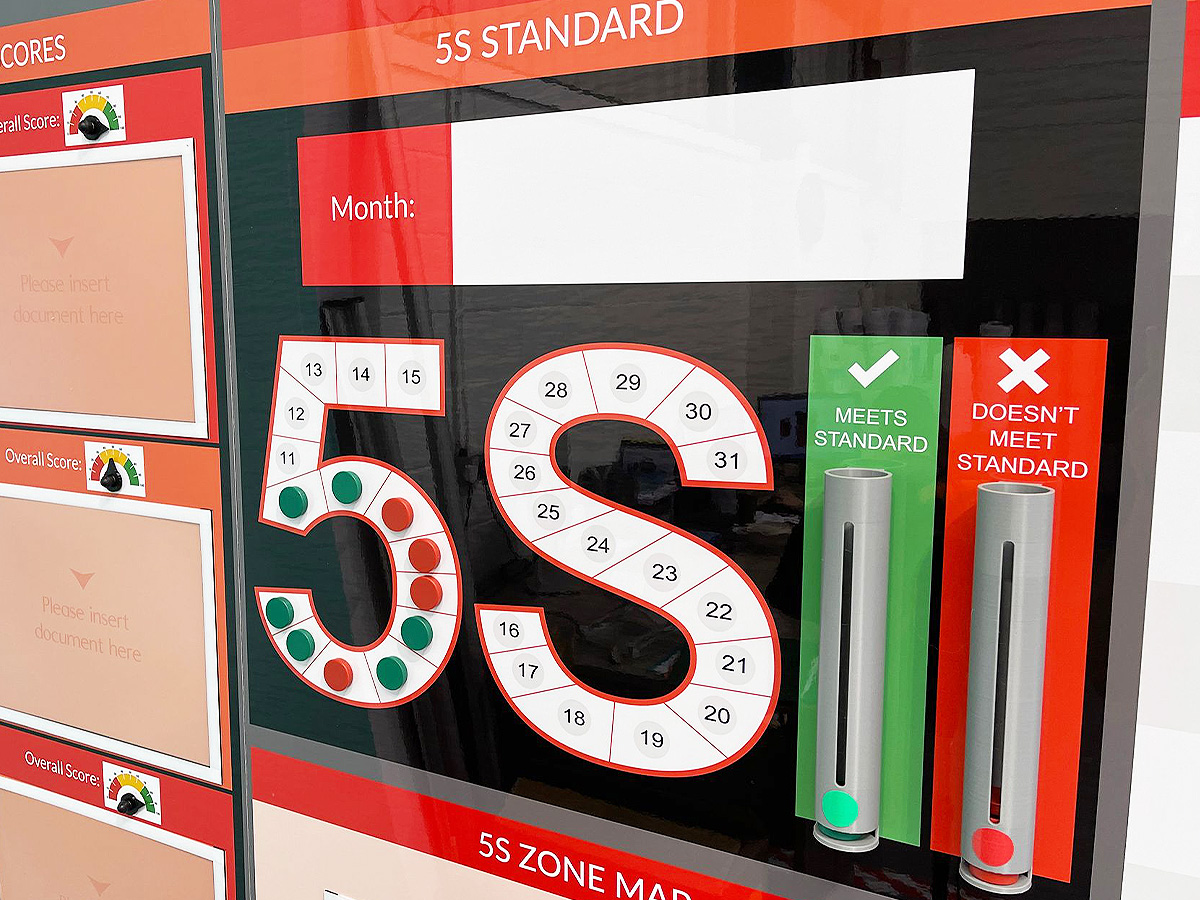
5S magnetic counters and dispensers

Product 5S board

5S & Safety Audit board

5S board with document holders

5S Management Board with dry wipe
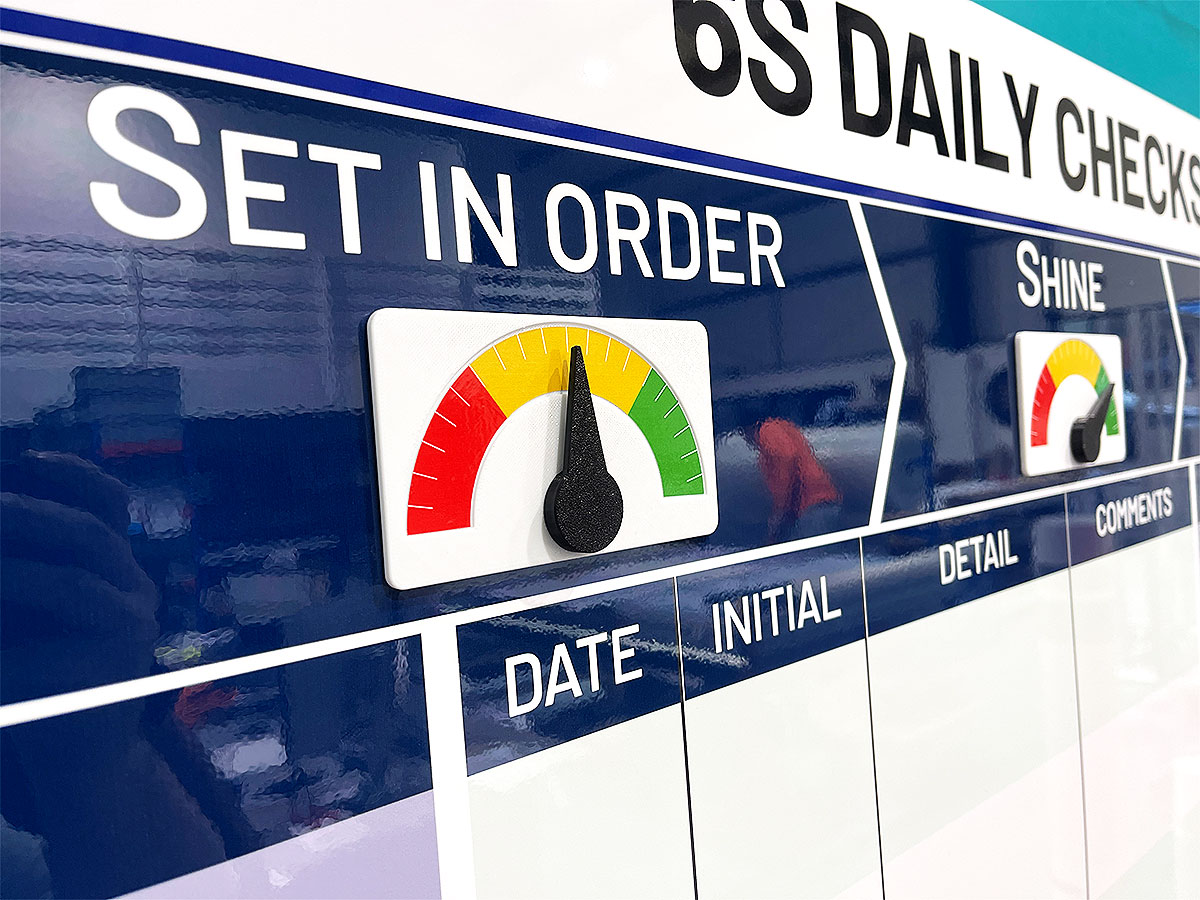
Set In Order status meter
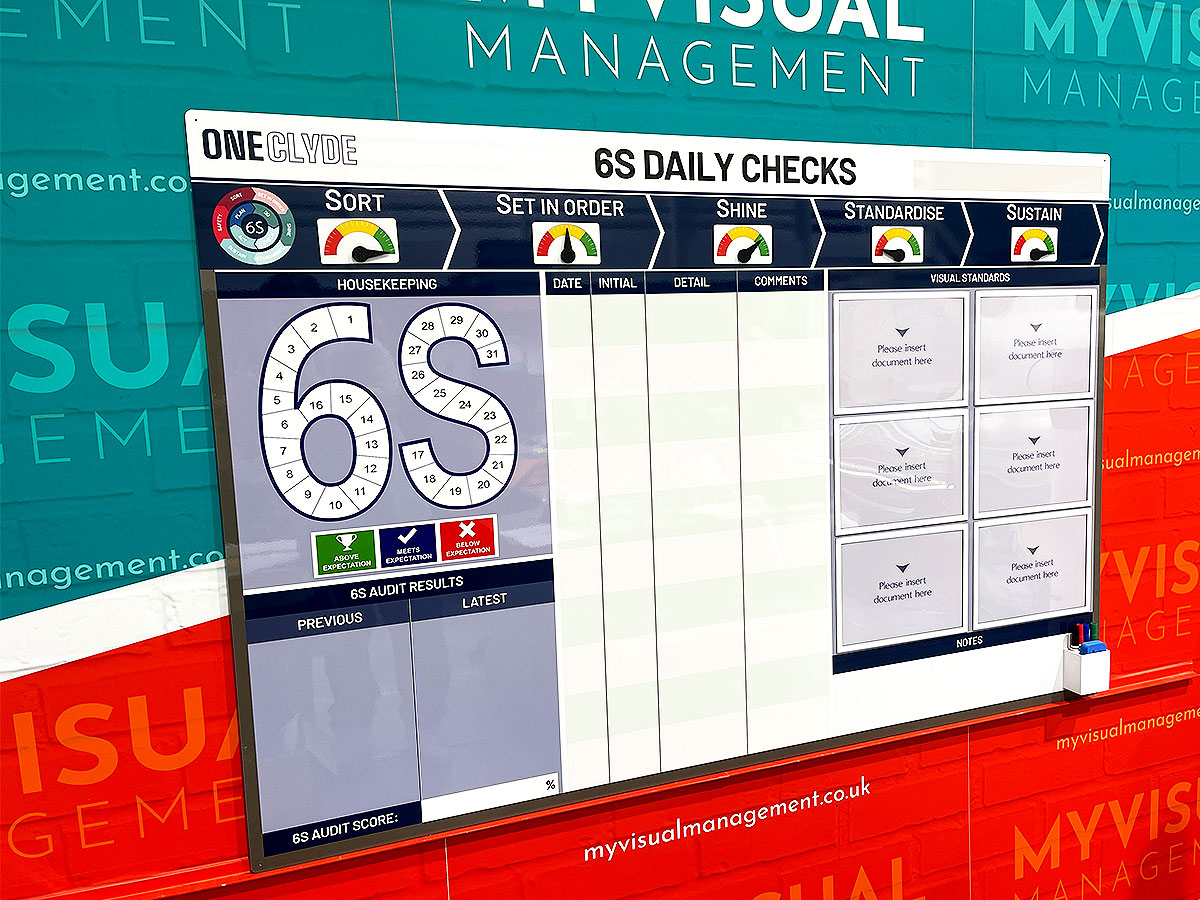
6S Daily Checks

Production Area 5S Noticeboard

5S board

5S status meters

Performance with 6S

5S Noticeboard

KPI board with modular 5S magnetics

5S Audit Board
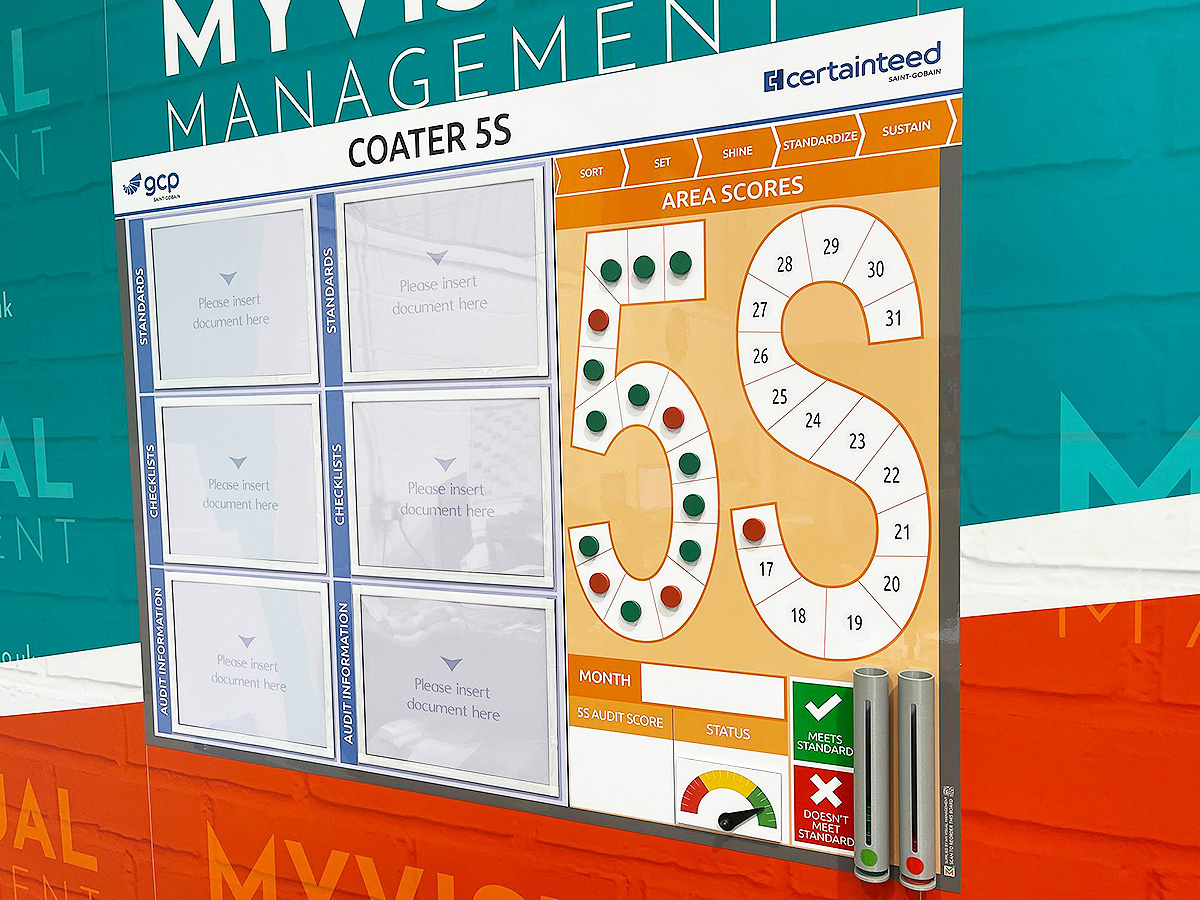
5S Board with status counters

5S Noticeboard

5S Scoreboard
KPI board with modular 5S magnetics

Product 5S board

5S board with status counters
5S board with 4-shift tracker

6S audit board

6S board

5S board
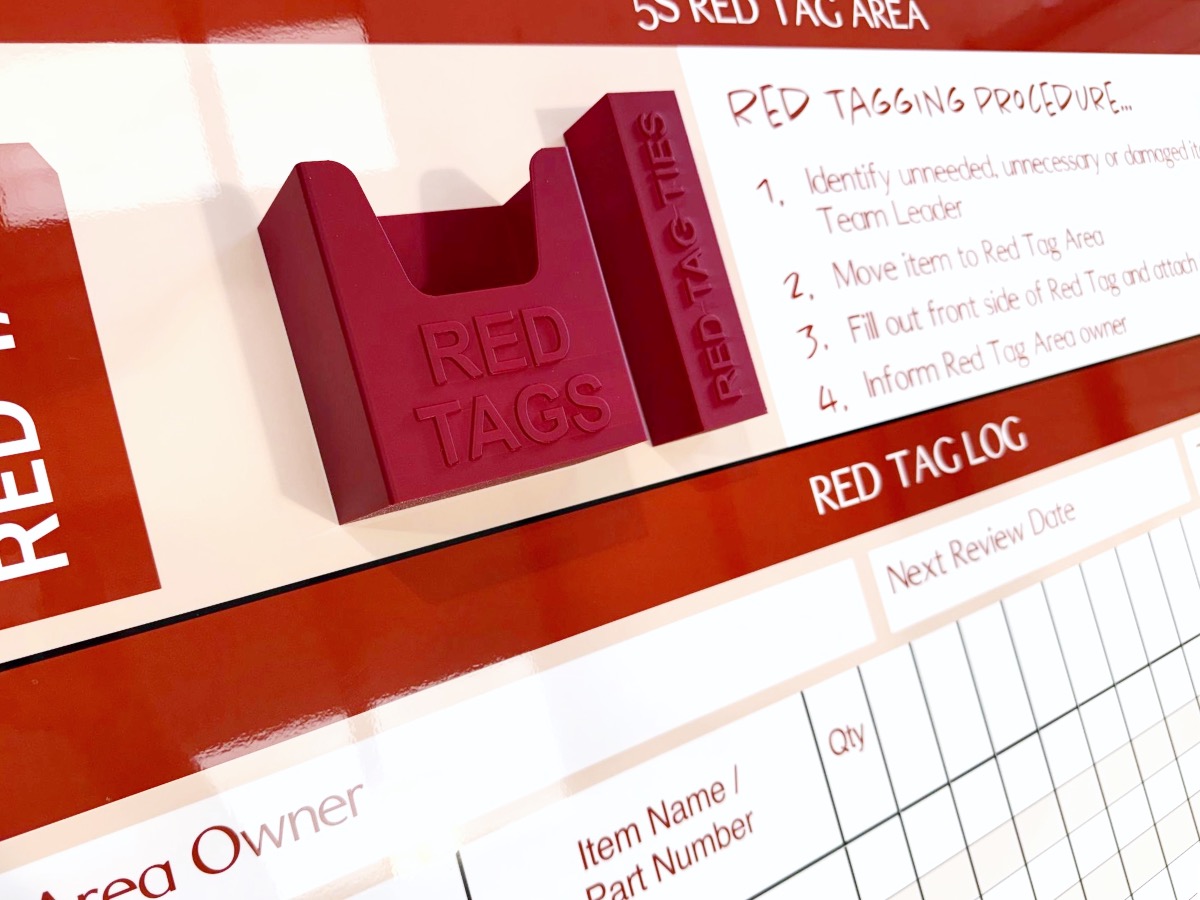
Red Tag procedures

5S dry wipe status

Document holders for visual standards

5S Production board

Red and green status counters

5S board with red and green holders

5S Sustainment board

Signs to support 5S

5S Scoreboard

5S Audit daily tracking pyramid

5S Before & After

Show your 5S visual standards

Signs to support 5S

5S Performance Board

5S Scoreboard

5S Sustainment Status board

Track 5S and Safety

6S Communications

6S visual standards and audit board

Show your 6S visual standards

Update visual standards easily

Spell put your 5S vision

Define 5S terms for your team
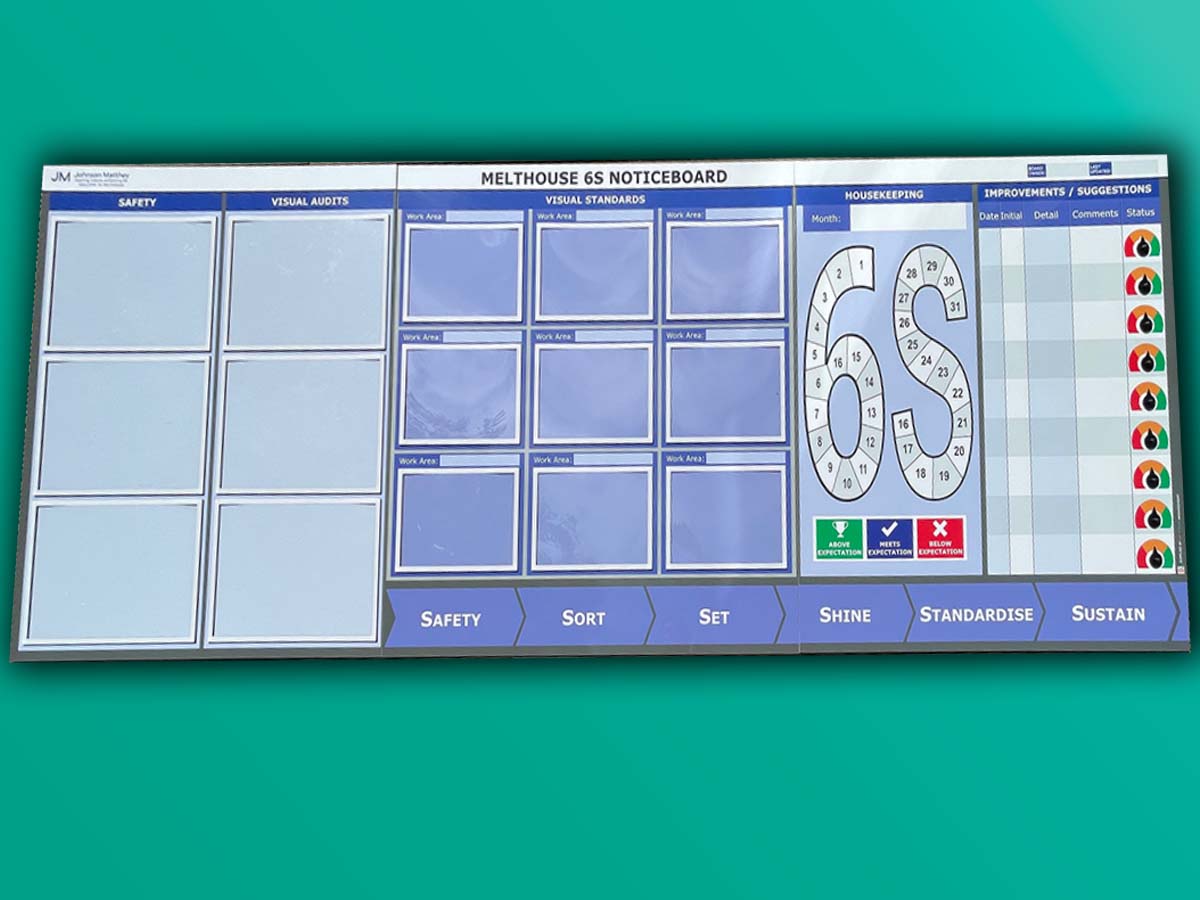
6S Noticeboard

Track your progress with status meters

6S Communications with dry wipe status

Add card and document holders

Add document holders

6S Performance Tracker

Before & After for 5S

Create a 5S task list

Chart progress with status meters

6S board with status meters

5S Noticeboard for manufacturing

Status meters 5S board

Dry wipe status 5S board

Make 5S visual

Dry wipe updates for 6S

Dry eraze updates for 5S

Use status meters to show 5S progress

5S Sustainment Board

Record 5S progress

5S Audit and Results board
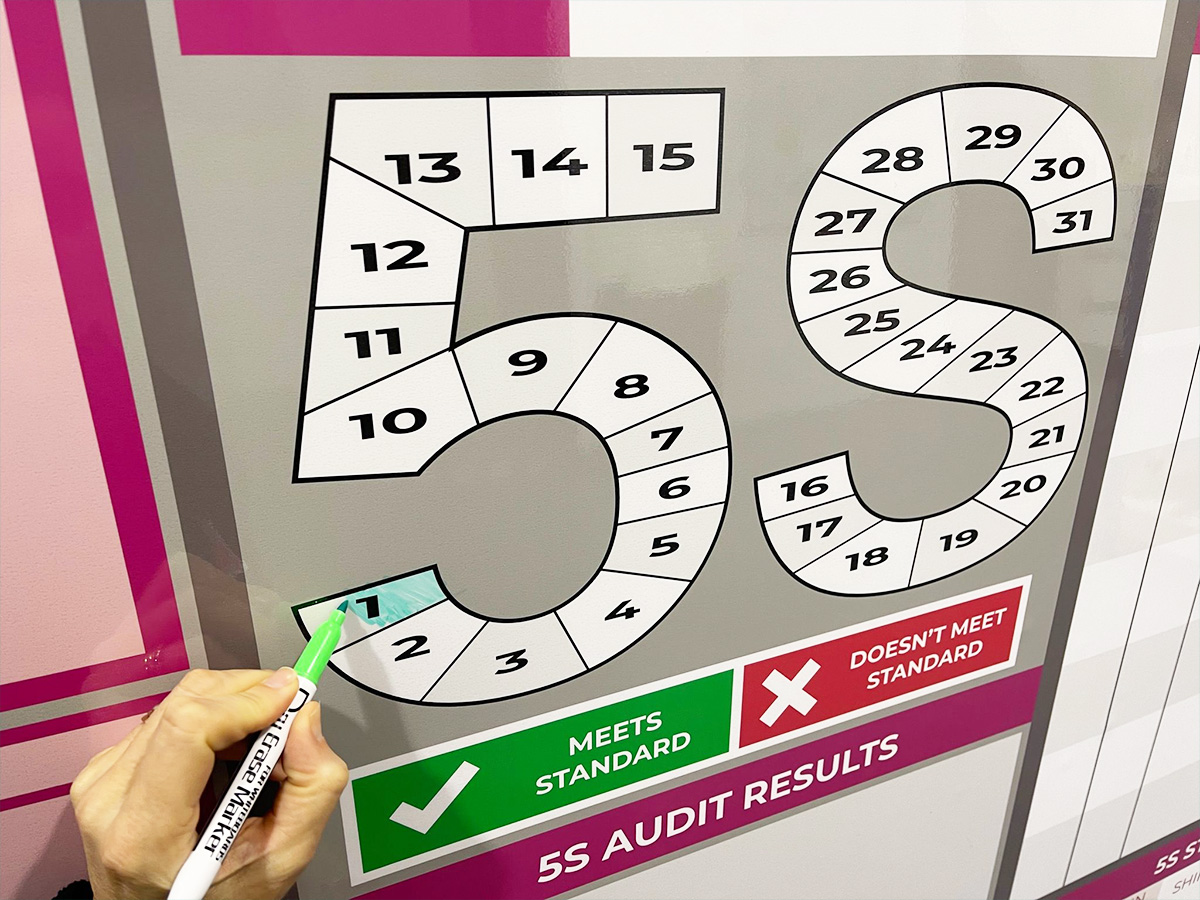
Dy wipe update daily metrics

Status meters provide visual snapshot

Show your 5S audit and visual standard

Show current status with meters

Show status for each 5S metric

Red Tag station board

Triple shift pattern for 5S

Add document holders to your 5S board

Dry wipe status and document holders

Use dry wipe for easy updates

Status meters and dry wipe

Update with dry wipe pens

Use colour in your 5S design

Show your visual standards

Make your 5S board modular

Icons for 5S

Add status dials to your 6S board

Magnetic needle for your status meters

5S on a Kaizen board

6S option

Integrate 5S with Kaizen

Dry wipe status on your 5S board

Magnetic labels for visual status

Manufacturing 5S board

Add document holders to your 5S board

SQD/5S with magnetic status faces

Mark your floor for safety

Works everyday of the month

Instant updates with status dials


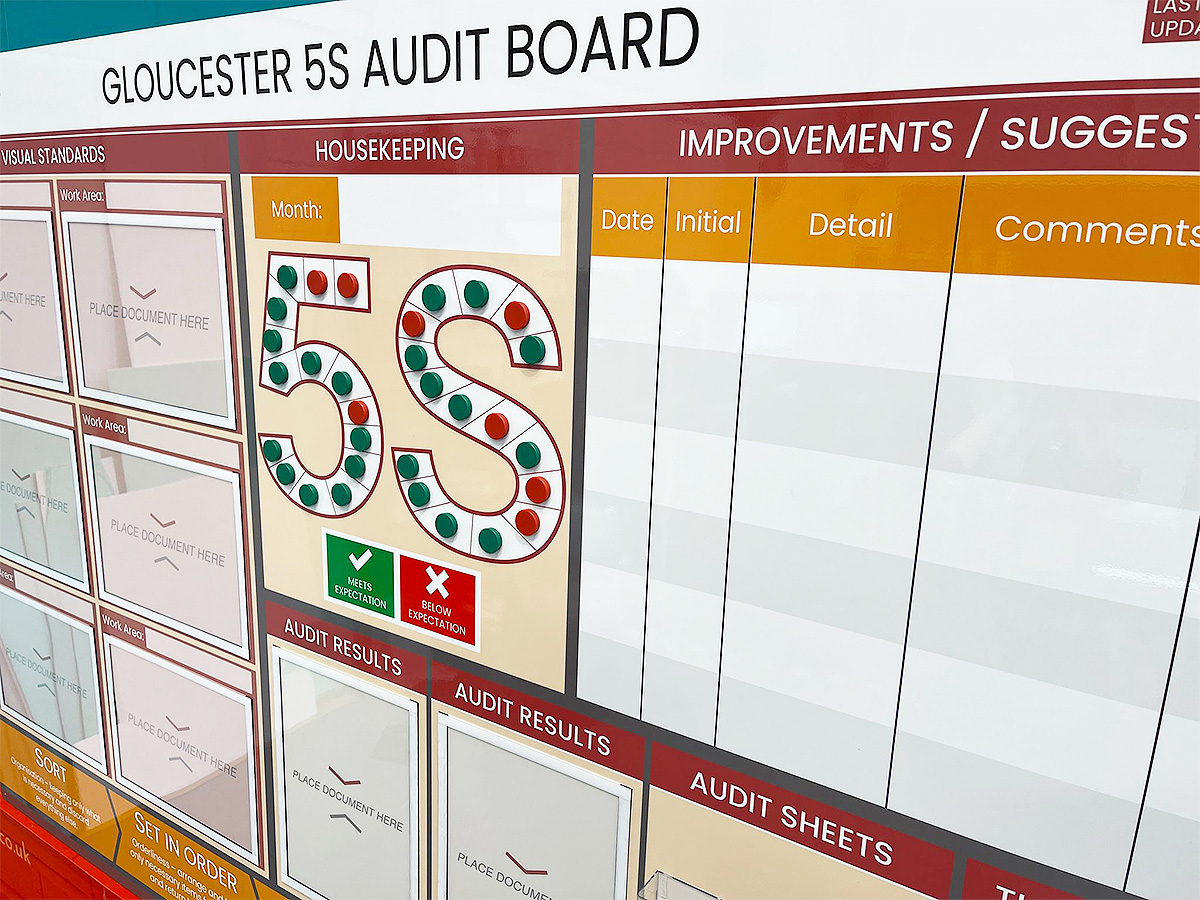


Our Approach
We create visual management boards everyday. As a result we have plenty of experience. We work for organisations in food production, the power industry, national rail, pharmaceuticals, education, healthcare, packaging and distribution.
Our team works with a simple idea or sketch and creates a professionally designed layout. This is then turned into a highly functional visual management board.
We offer customised options because we want to create the perfect board for you. So, here are a few examples. We can add magnetic areas or a dry-wipe finish (for use with whiteboard pens). Furthermore, you can choose Red/Green sliders or R.A.G. (Red, Amber, Green) status dials so you can quickly and visually update your board. These are just a few examples of the ways in which our boards can be tailored to meet your needs. You may also be interested in whiteboard overlays that can be used on top of an existing magnetic board.


